

Interactive tour
See it work. Click through it yourself.
Eleven guided walkthroughs of the real product, on a real job — no sign-up, no sales call, no video to scrub through. Each one takes about a minute.
 8 steps
01
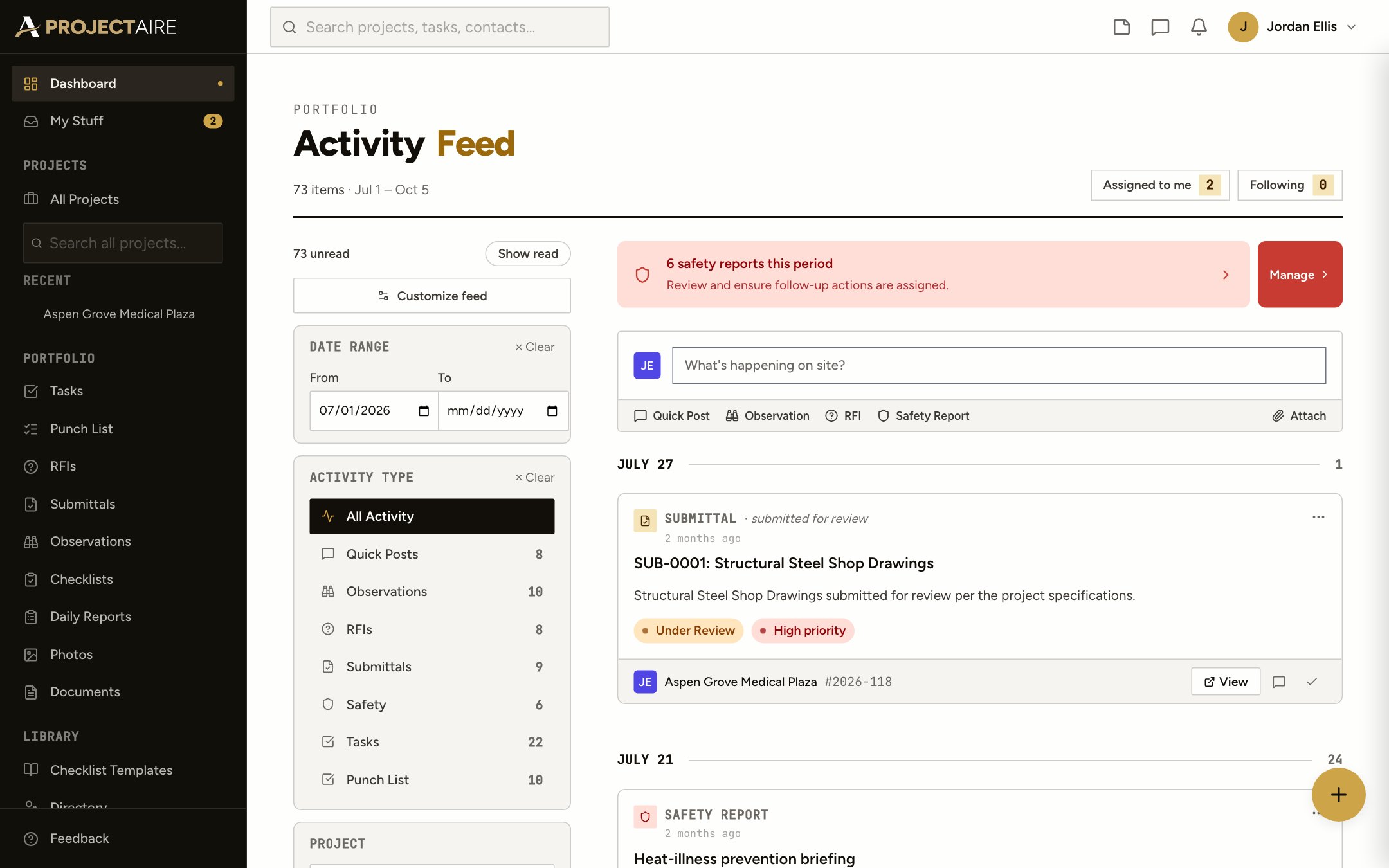
Activity Feed
Every post, RFI, submittal, task and punch item across your projects in one feed that works like an inbox: unread first, filtered to what is yours.
Start the walkthrough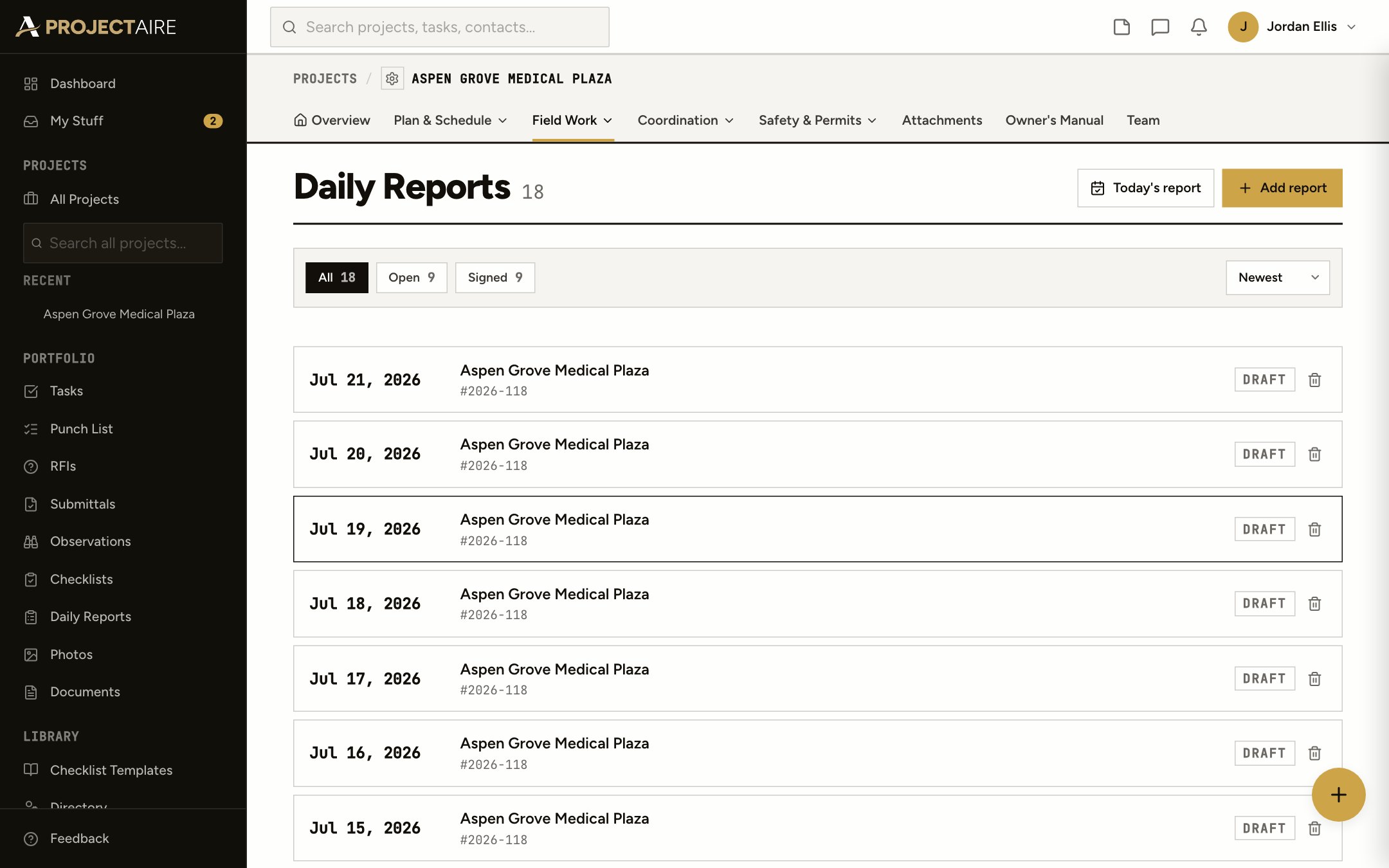 6 steps
02
Daily Reports
Weather, work performed, crews, deliveries and photos — one record per day, signed into a PDF nobody can quietly edit.
Start the walkthrough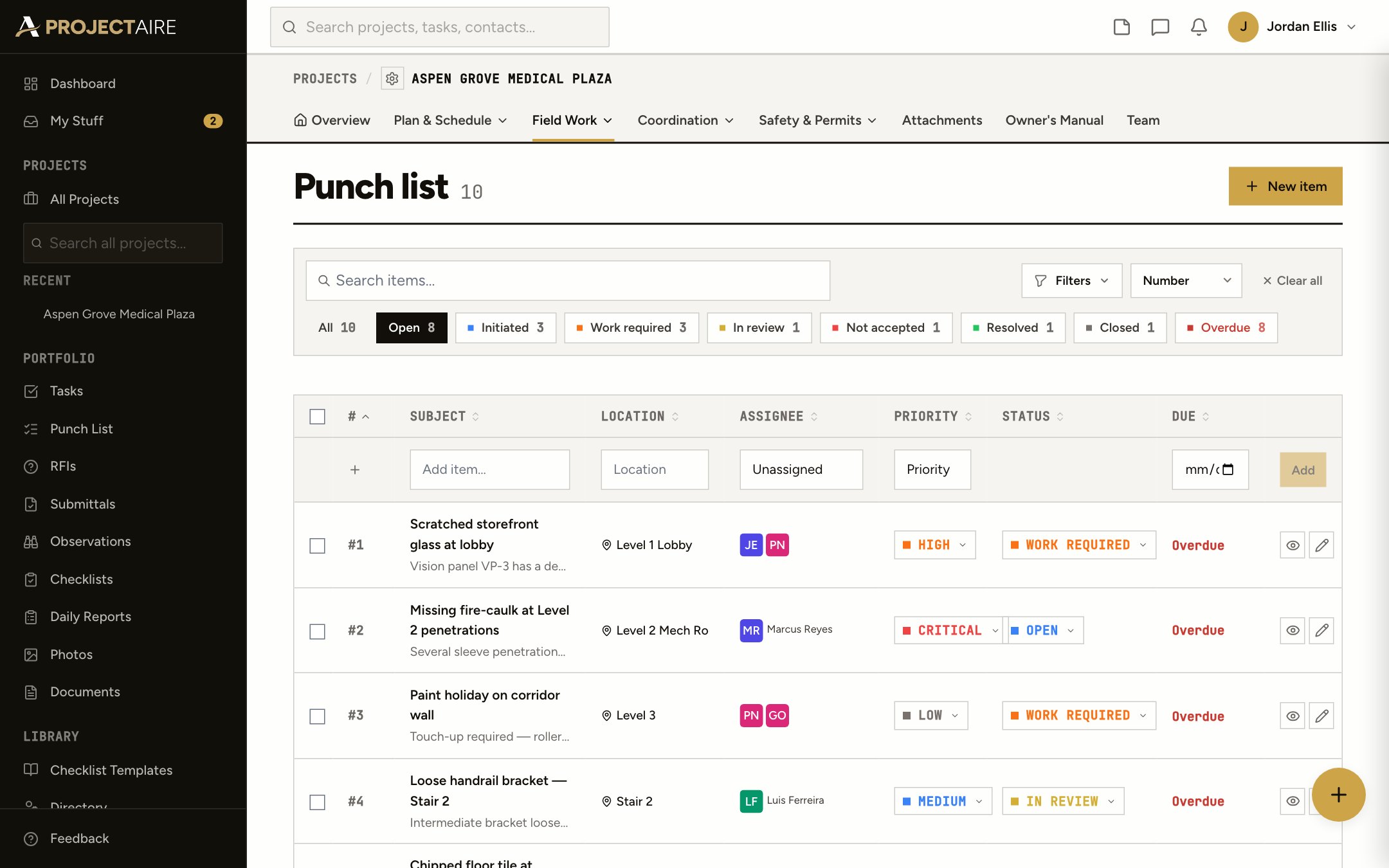 6 steps
03
Punch List
Log an item, pin a photo, assign the trade, and walk it from Work required to Closed — every step on the record.
Start the walkthrough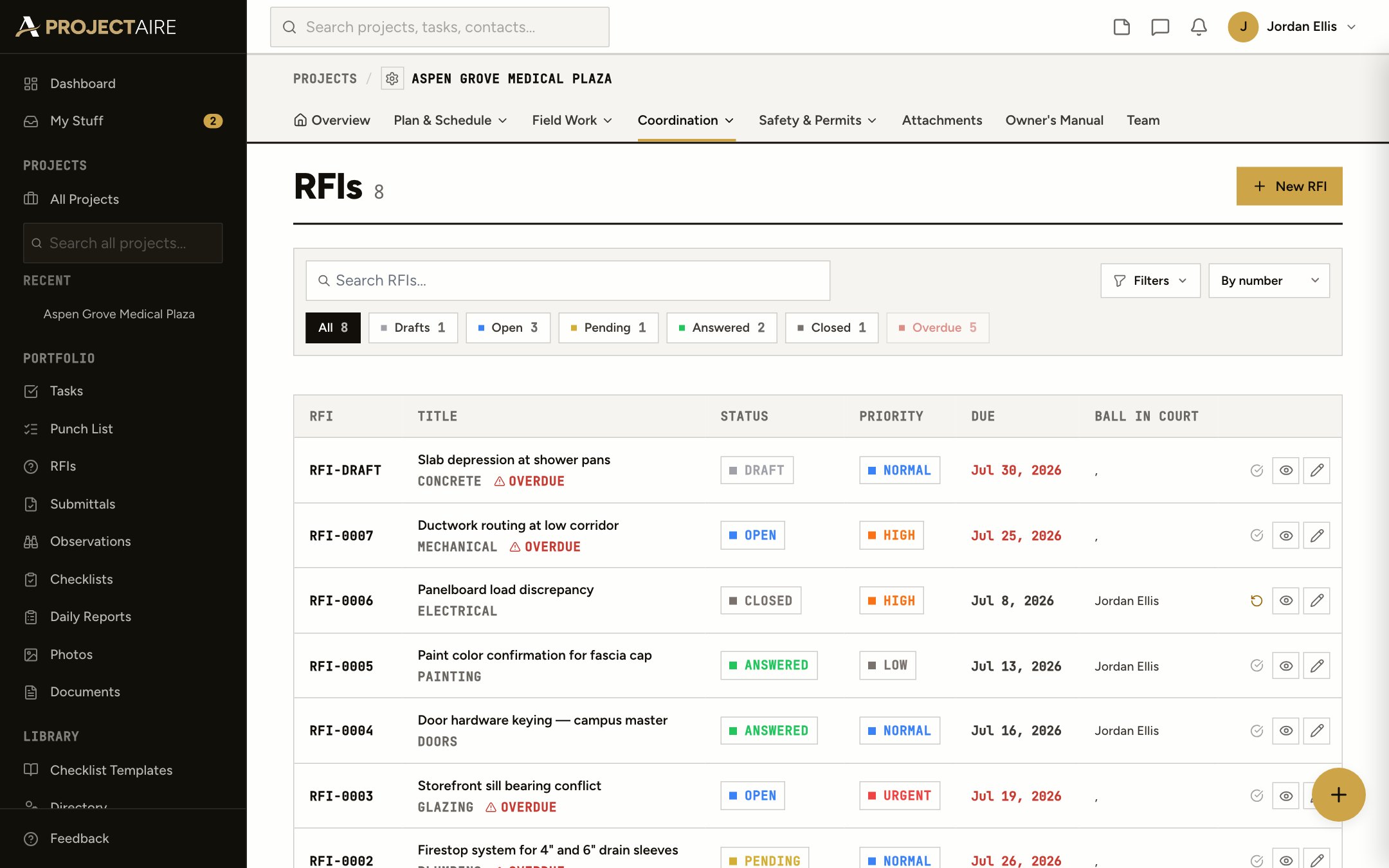 6 steps
04
RFIs
Numbered RFIs with the question, the responses, who holds the ball and when it is due. Close it when the answer is in the drawings.
Start the walkthrough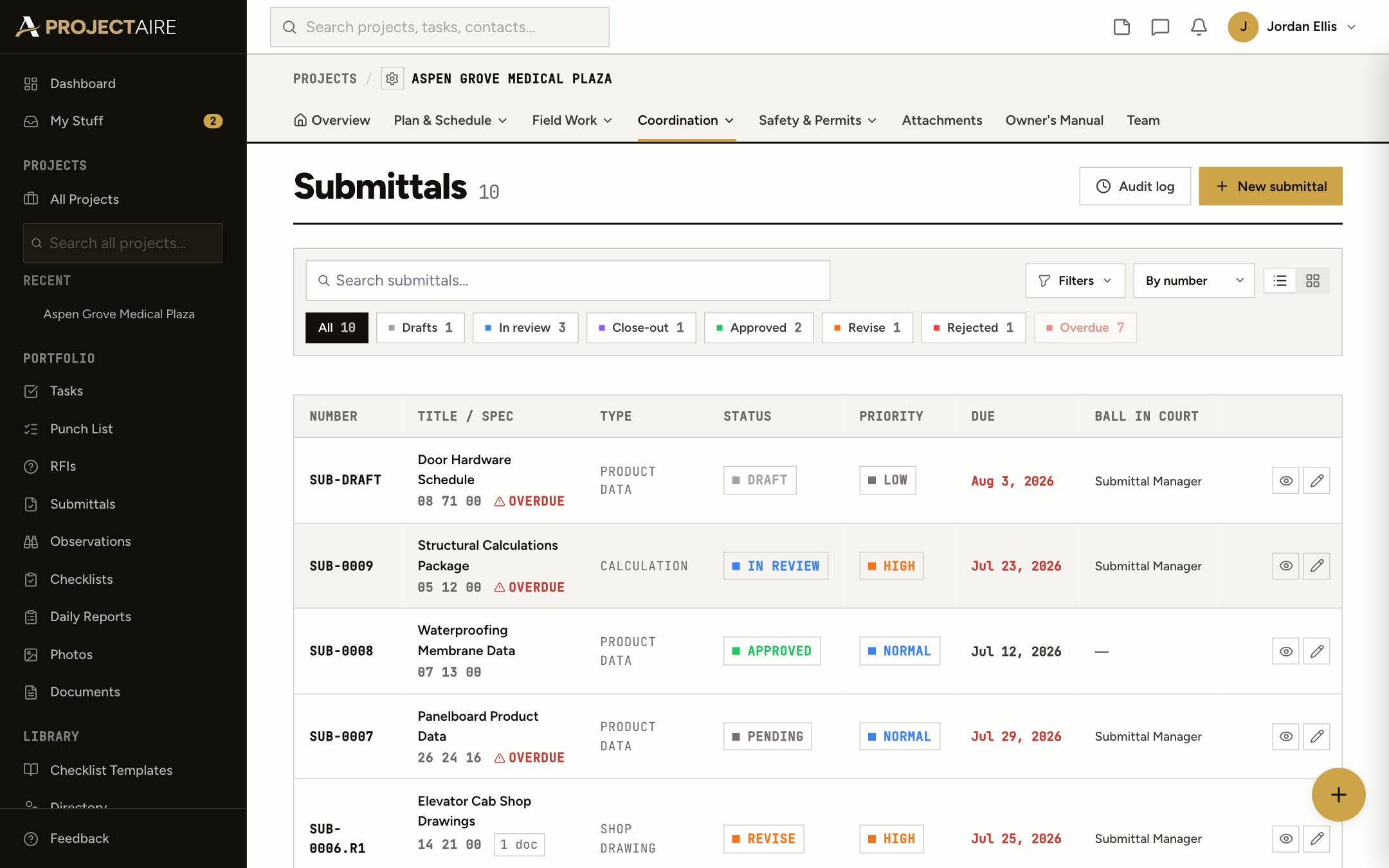 6 steps
05
Submittals
Draft, issue, review and close out submittals with one designated reviewer, revisions nested under the original, and a stamped decision on every one.
Start the walkthrough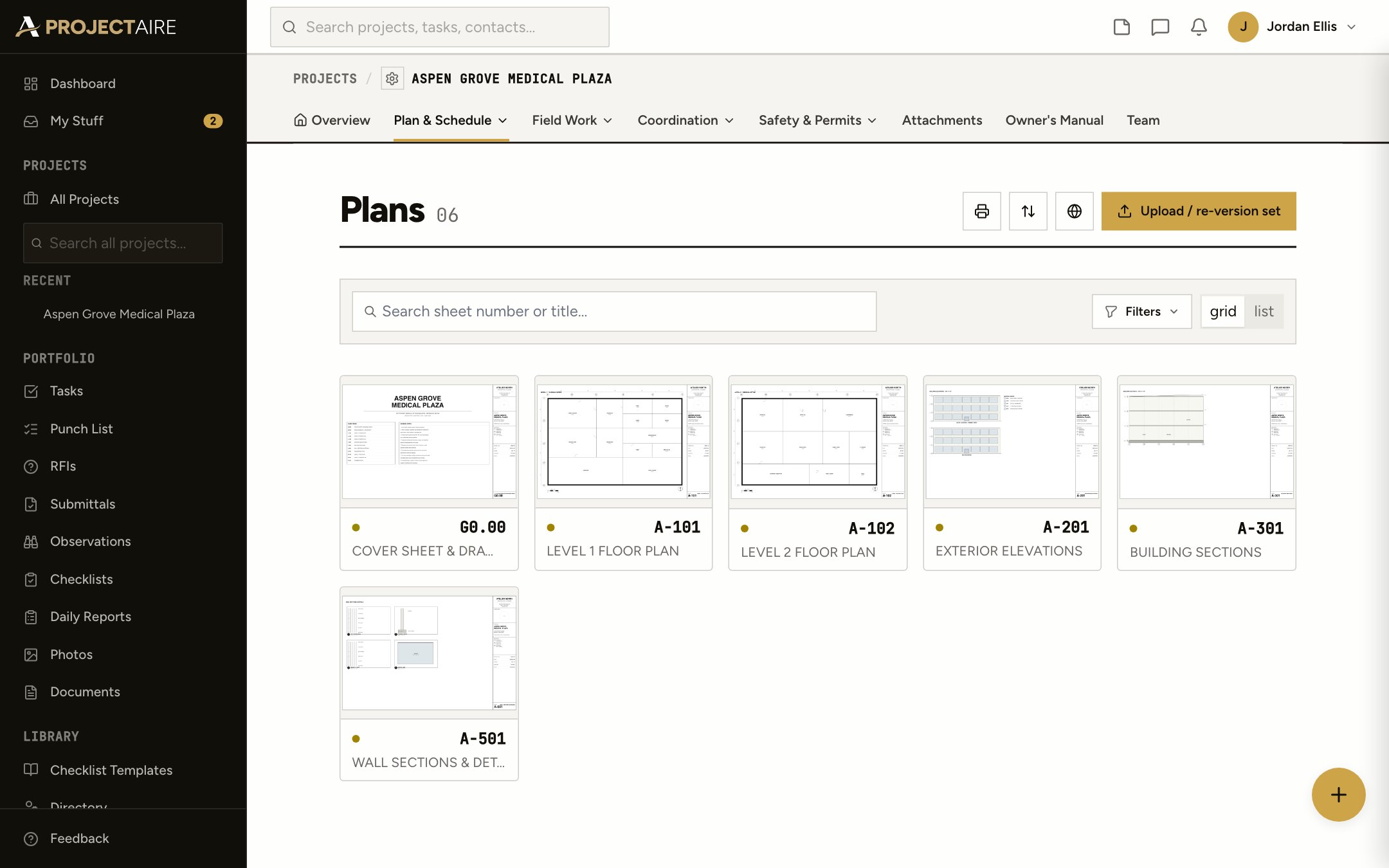 7 steps
06
Plans & Specs
Upload the set once. It splits into numbered, versioned sheets you can mark up, pin punch items to, and share with a login-free link.
Start the walkthrough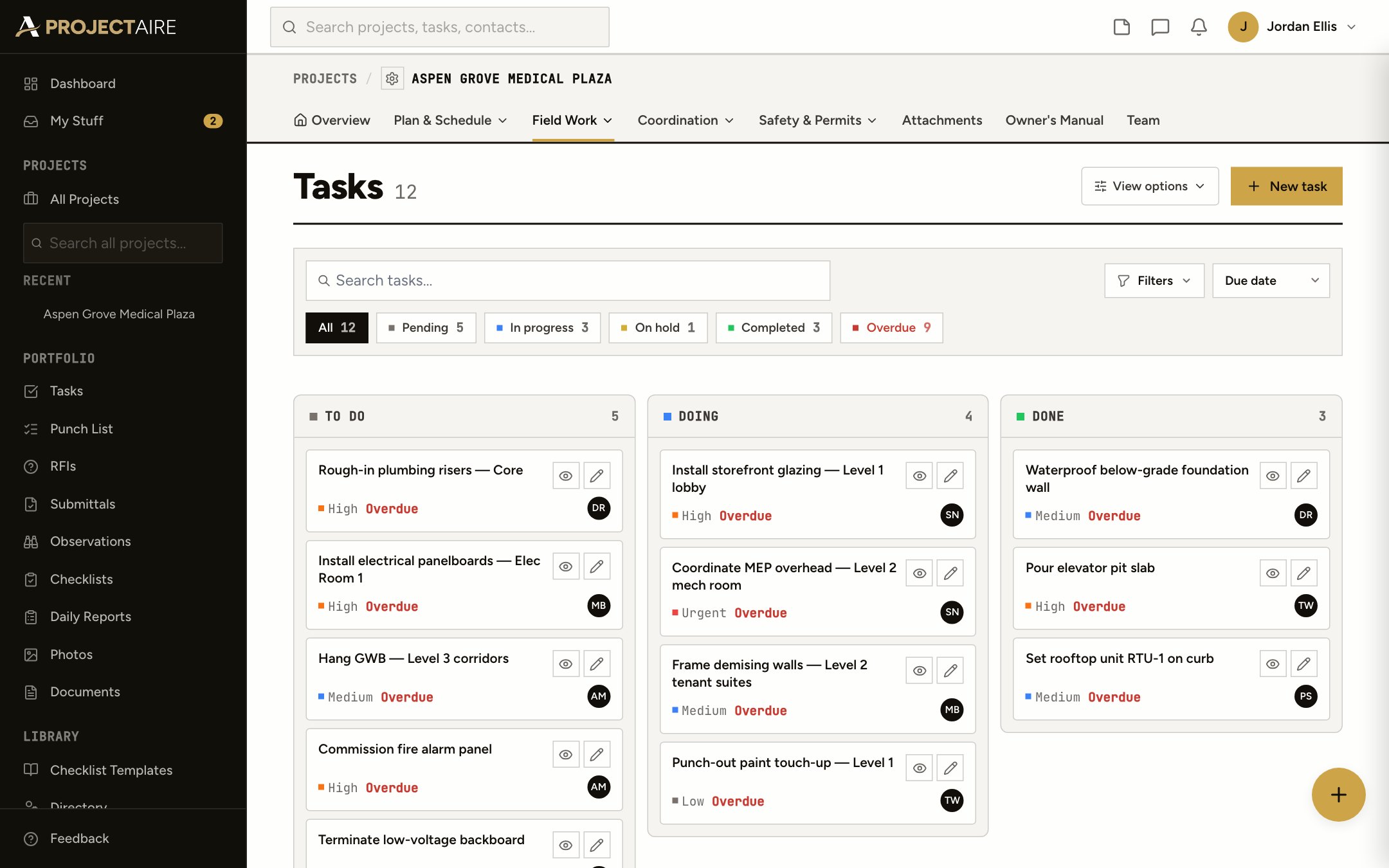 6 steps
07
Tasks
A board by status, cards with priority and due dates, subtasks underneath, and links between tasks so the sequence is explicit.
Start the walkthrough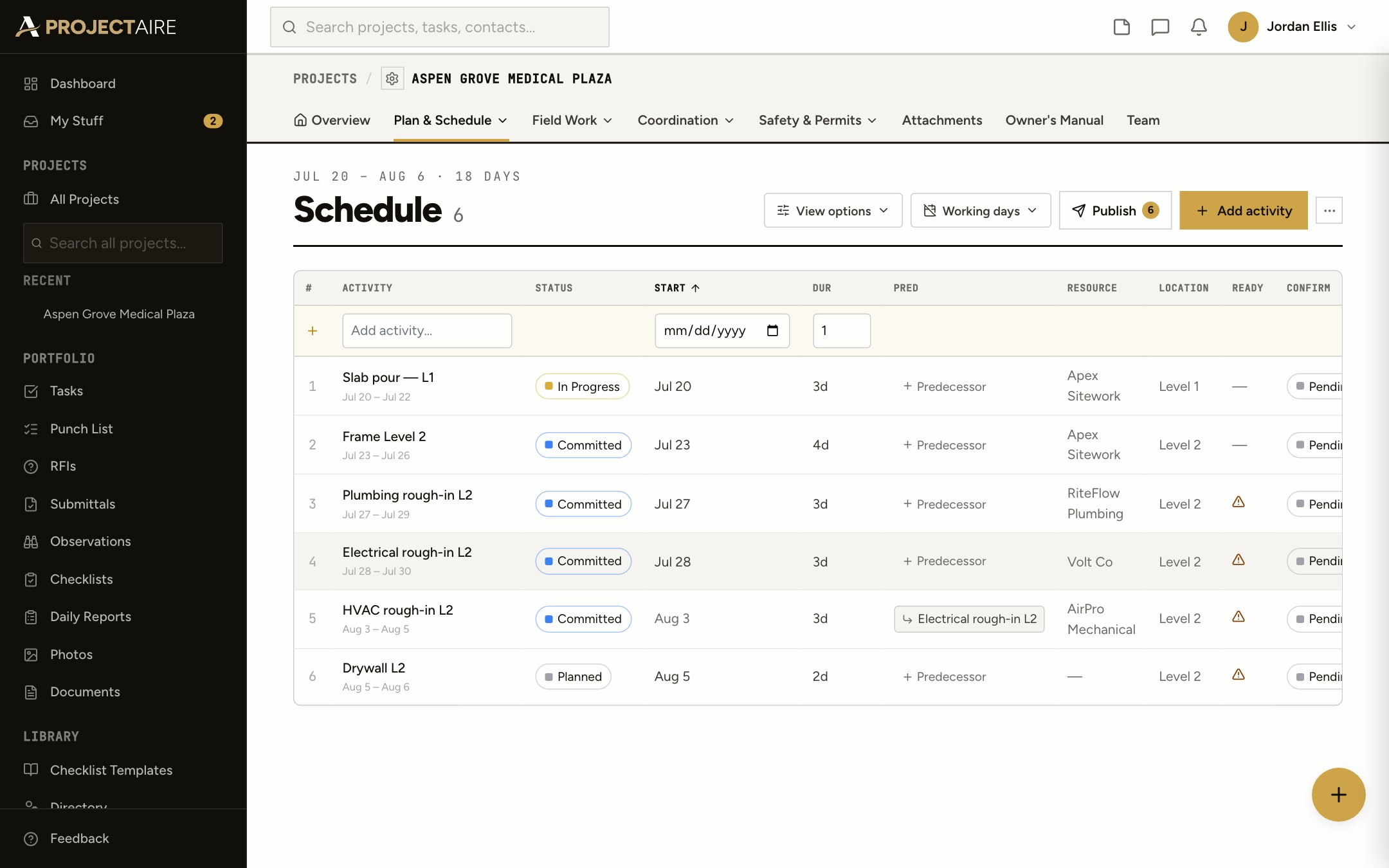 7 steps
08
Schedule
Activities with working-day durations, predecessors, readiness flags and a publish step so subs confirm dates — in list, board, Gantt or day view.
Start the walkthrough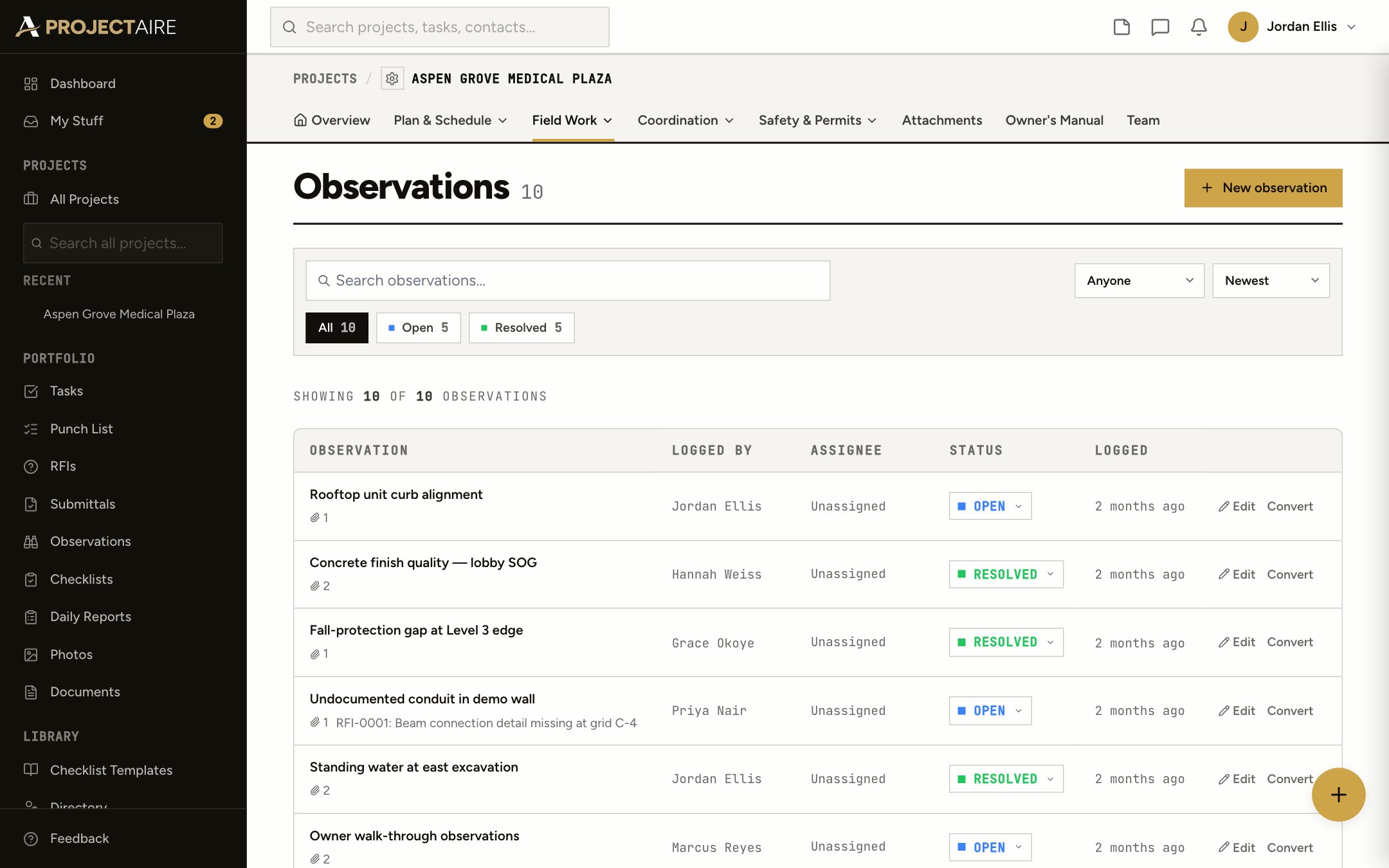 6 steps
09
Observations
A photo and a sentence from the field becomes an observation: assigned and resolved, or turned into a task, punch item, RFI or safety report.
Start the walkthrough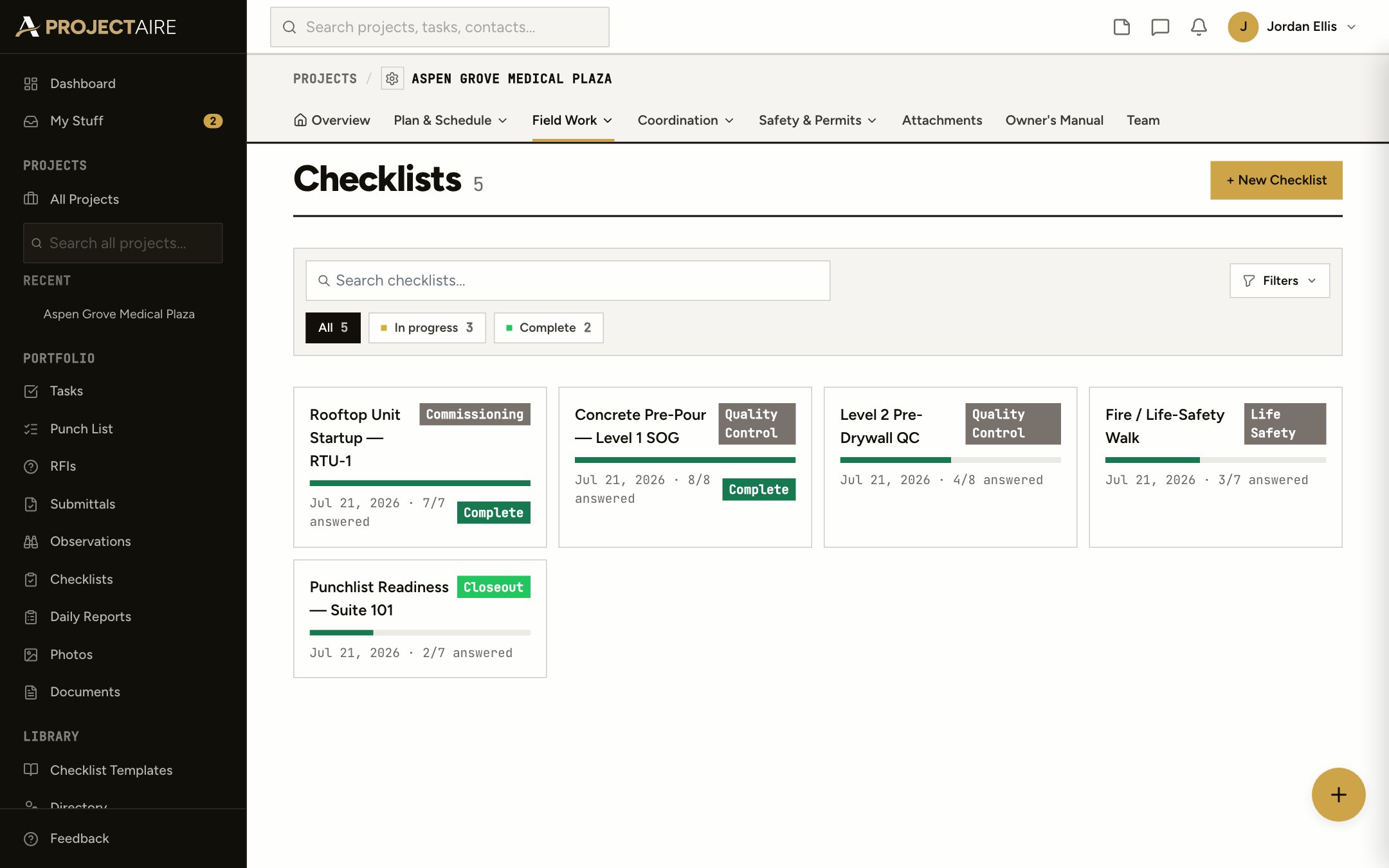 6 steps
10
Checklists
Pre-pour, pre-drywall, commissioning, life safety: checklists from templates, filled in on a phone, with failed items turned into work in one click.
Start the walkthrough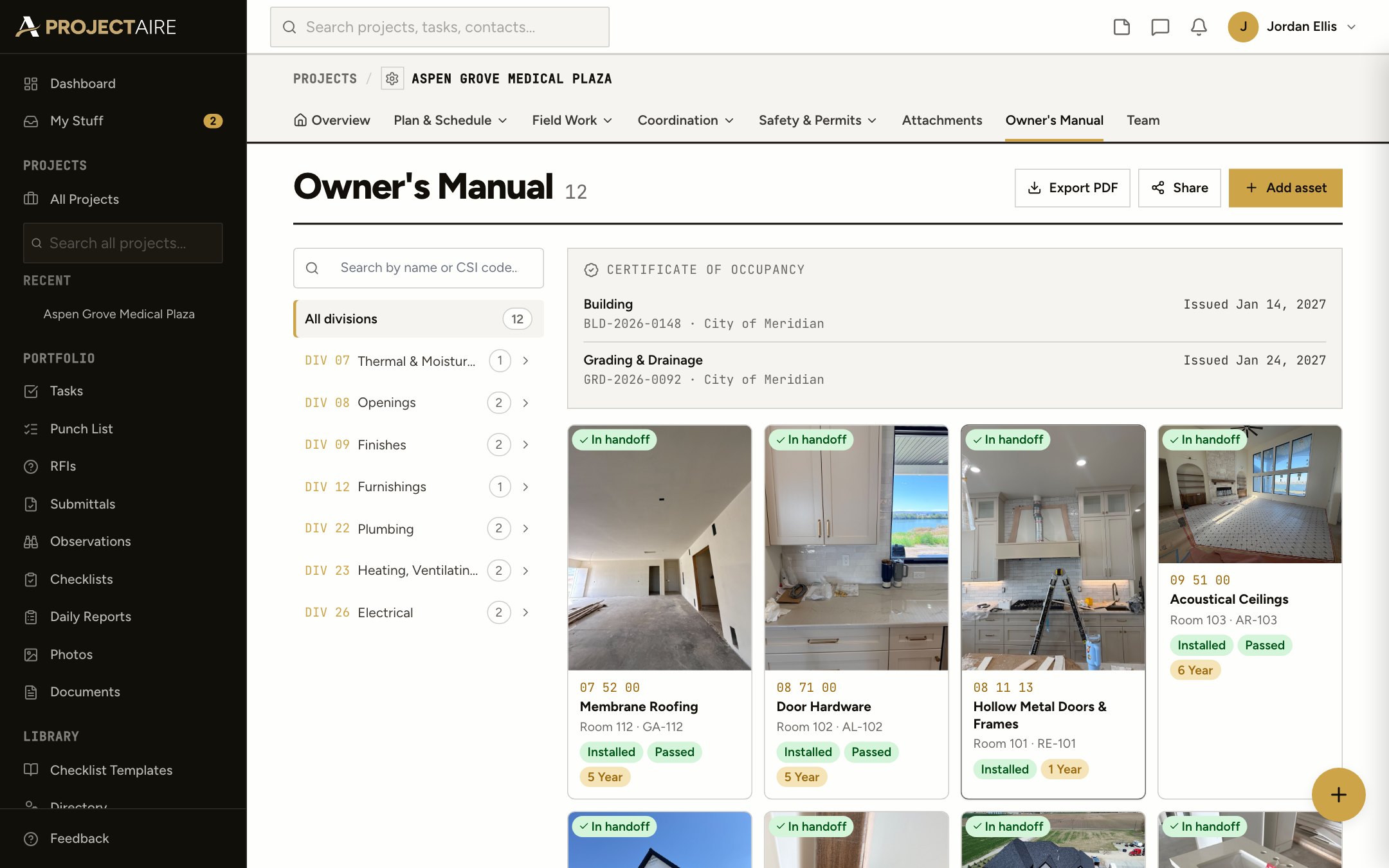 8 steps
11
Owner's Manual
Assets by CSI division, each pulling in its submittals, warranties, punch items, RFIs, photos and documents — handed over as a PDF or a login-free link.
Start the walkthrough