

My Tasks and My Day
Everything that’s yours across jobs, by overdue, today, this week and later, plus the short list you picked for today.
Tasks for every job and for the office, with owners, due dates and checklists. My Day, repeating tasks and reminders. Free for good, for you and your crew. No credit card.
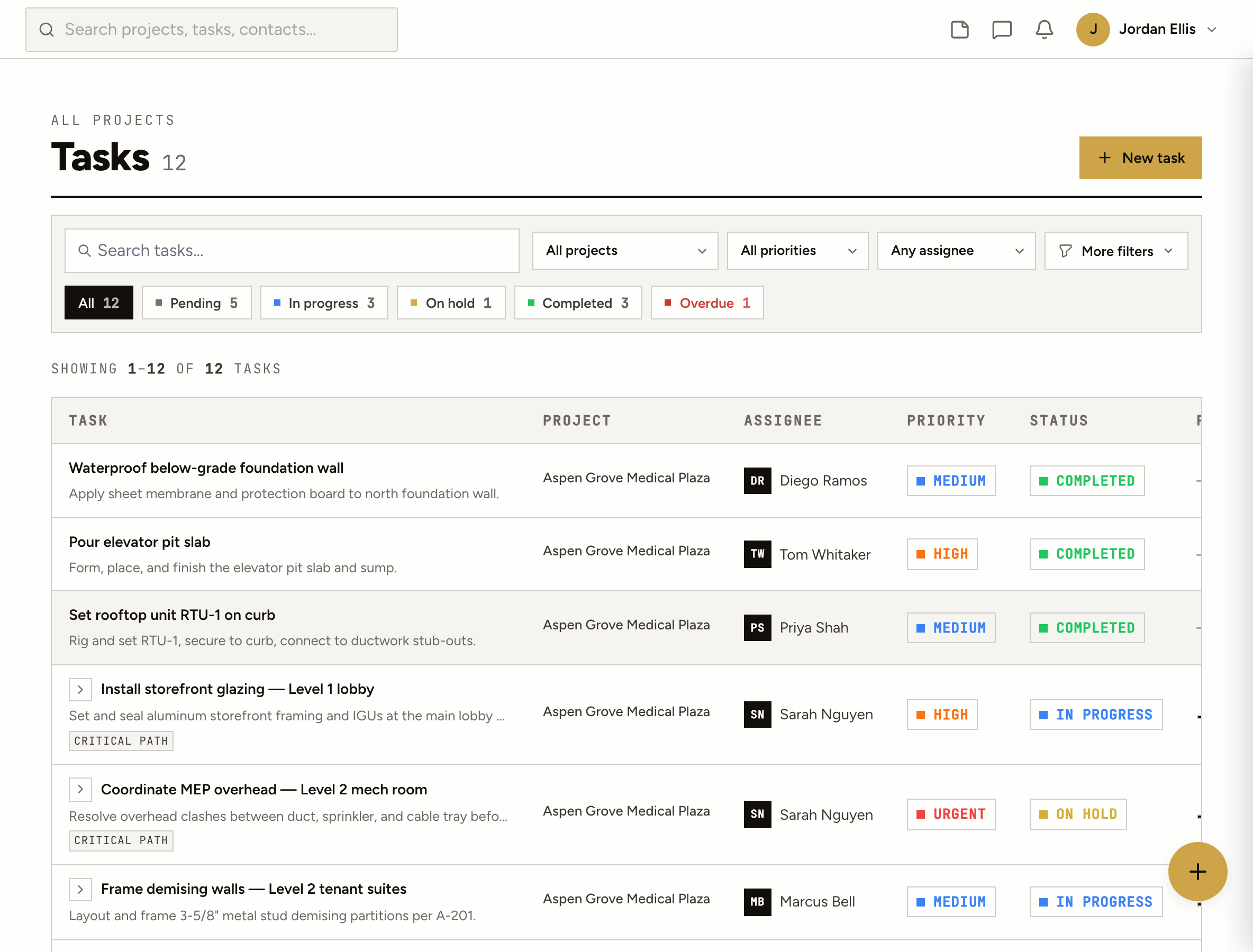
Everything that’s yours across jobs, by overdue, today, this week and later, plus the short list you picked for today.
Daily, weekdays, weekly on the days you pick, monthly, yearly, or a set number of days after it’s done.
Check-off lines inside a task, turned into subtasks when they grow. “Remind me” for later today, tomorrow or a time you pick.
Save a set of tasks as a template, or start from closeout, warranty or a residential new home, dated from the day you pick.
A list, a board, a calendar you drag to reschedule, and a workload view by person and week. Save the views you use.
A private calendar link for Outlook, Google or Apple Calendar, and CSV import and export.
How it works
Your name, your company and, if you like, the job you’re running. You land on your task list ready for the first one.
Add a task from your phone or the office: who it’s for, a due date, a priority, a checklist. Tasks can sit on a job or on the office’s own list.
Assignees are notified when a task lands on them and when it moves. Invite your crew and your subs to the job at no cost.
Star what you’re doing today. Tomorrow it starts fresh, with what’s overdue, due today and yesterday’s leftovers suggested.
On site
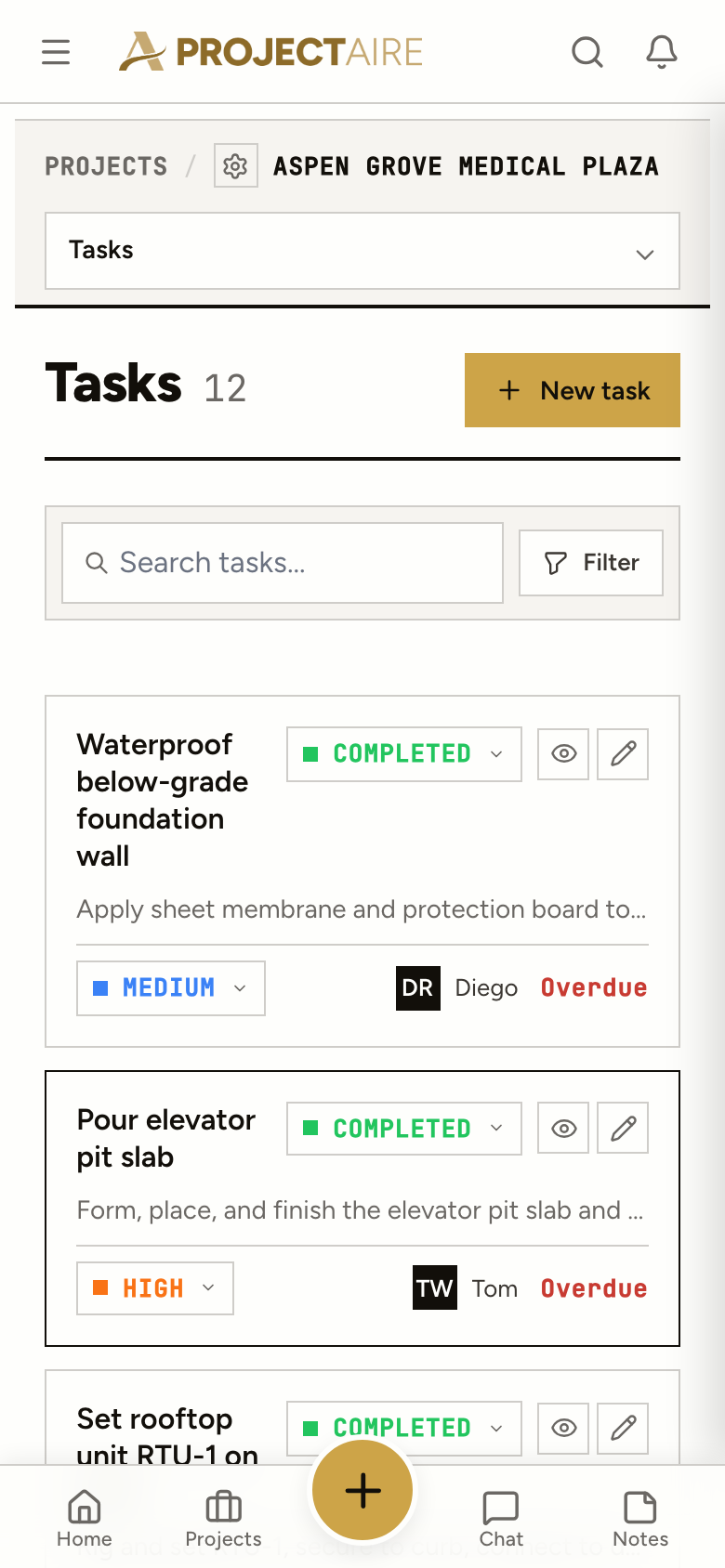
Open the job, tap New task, pick who it’s for. Status and priority are one tap. Nothing to install and nobody to train.
Yes. There’s no trial clock and no credit card. You can keep a few jobs active at once, and tasks for the office don’t count against that.
It’s built around the job: tasks belong to a project or to the office, the people on them are your crew and your subs, and it runs on a phone on site. When you need RFIs, punch lists or daily reports, they’re in the same place.
Yes. Invite them to the job and they see what’s assigned to them, comment, check off the list and mark the task done. Nobody needs a paid seat.
Yes. Daily, weekdays, weekly on picked days, monthly (a date or the last business day), yearly, or N days after the last one is done, ending never, on a date or after a number of times.
It runs in your phone’s browser and installs to the home screen like an app. There’s nothing to download from an app store.
All of ProjectAire on the same jobs: punch lists, RFIs, submittals, daily reports, plans with markups, schedule and closeout. Your tasks stay where they are.