

Plans & Specs. A planroom in the browser.
Upload the set once. It splits into numbered, versioned sheets you can mark up, pin punch items to, and share with a login-free link.
Step 1 of 7
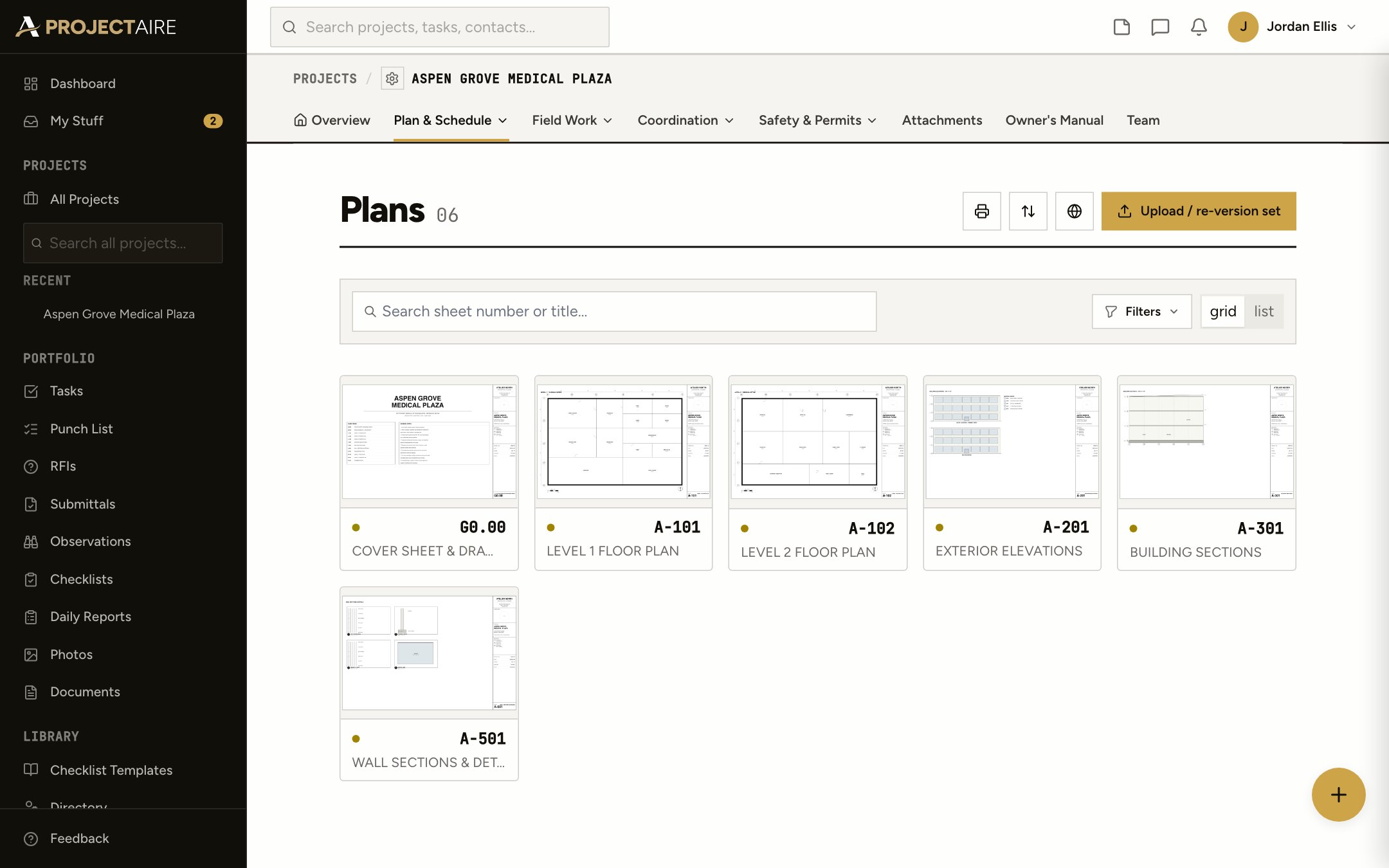
The set, split into sheets
Upload a PDF set and it is split into individual sheets. Numbers and titles are read from the title block for you to confirm. Grid or list view.
Click the highlighted area, press →, or hit Next. 7 steps, about a minute.
More walkthroughs
The rest of the job.
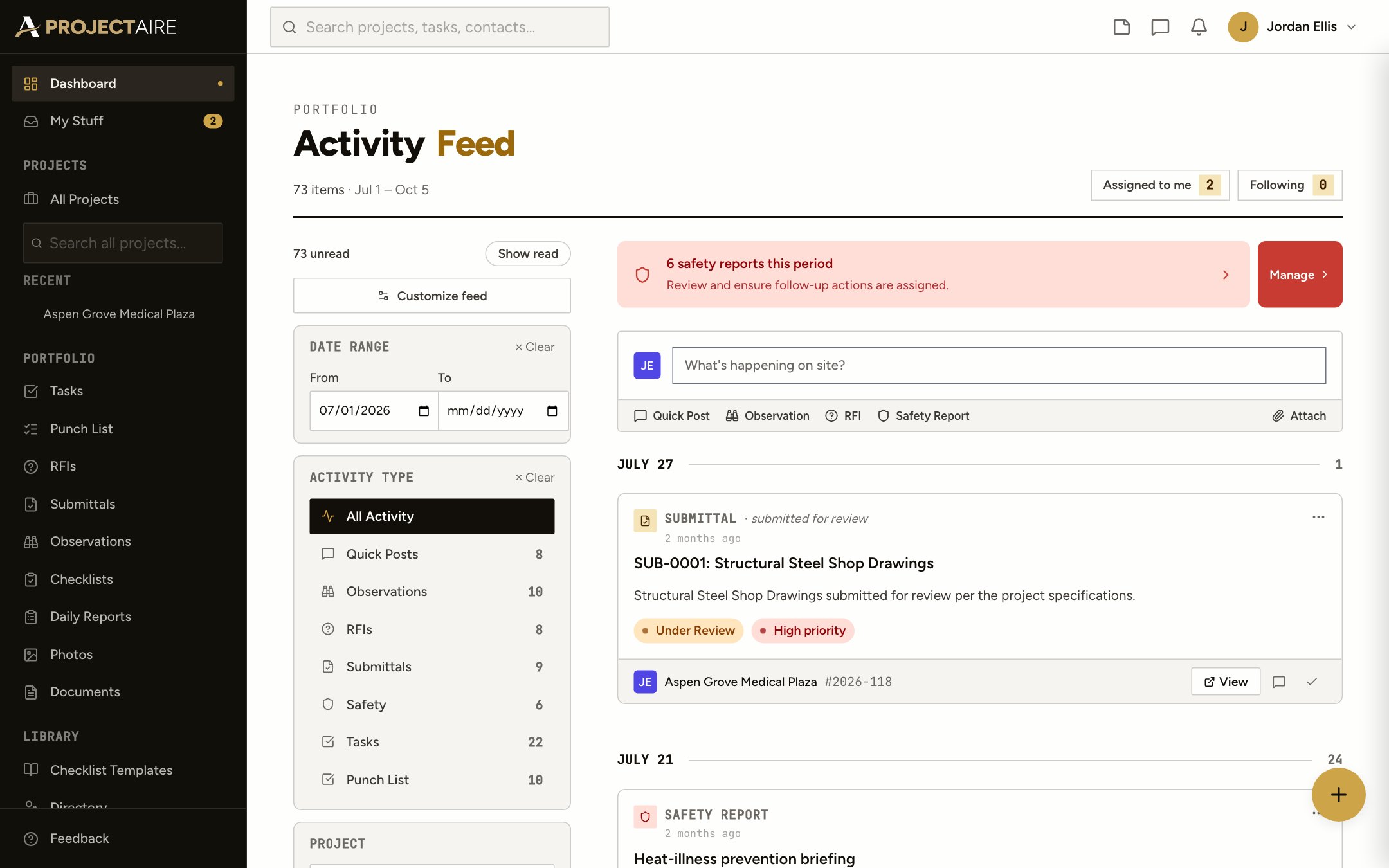
Activity Feed
Everything that changed, in one inbox.
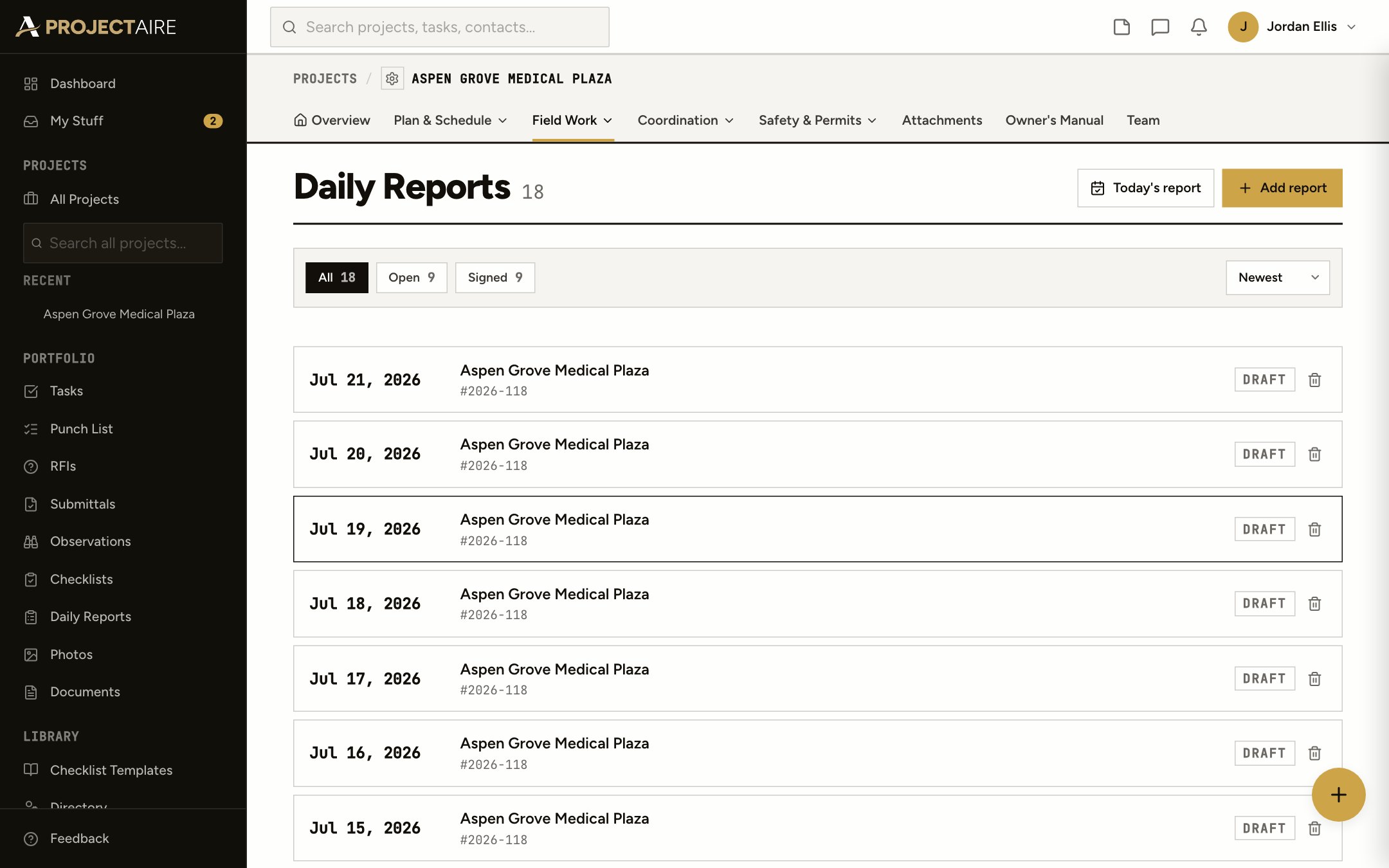
Daily Reports
The day, signed and locked.
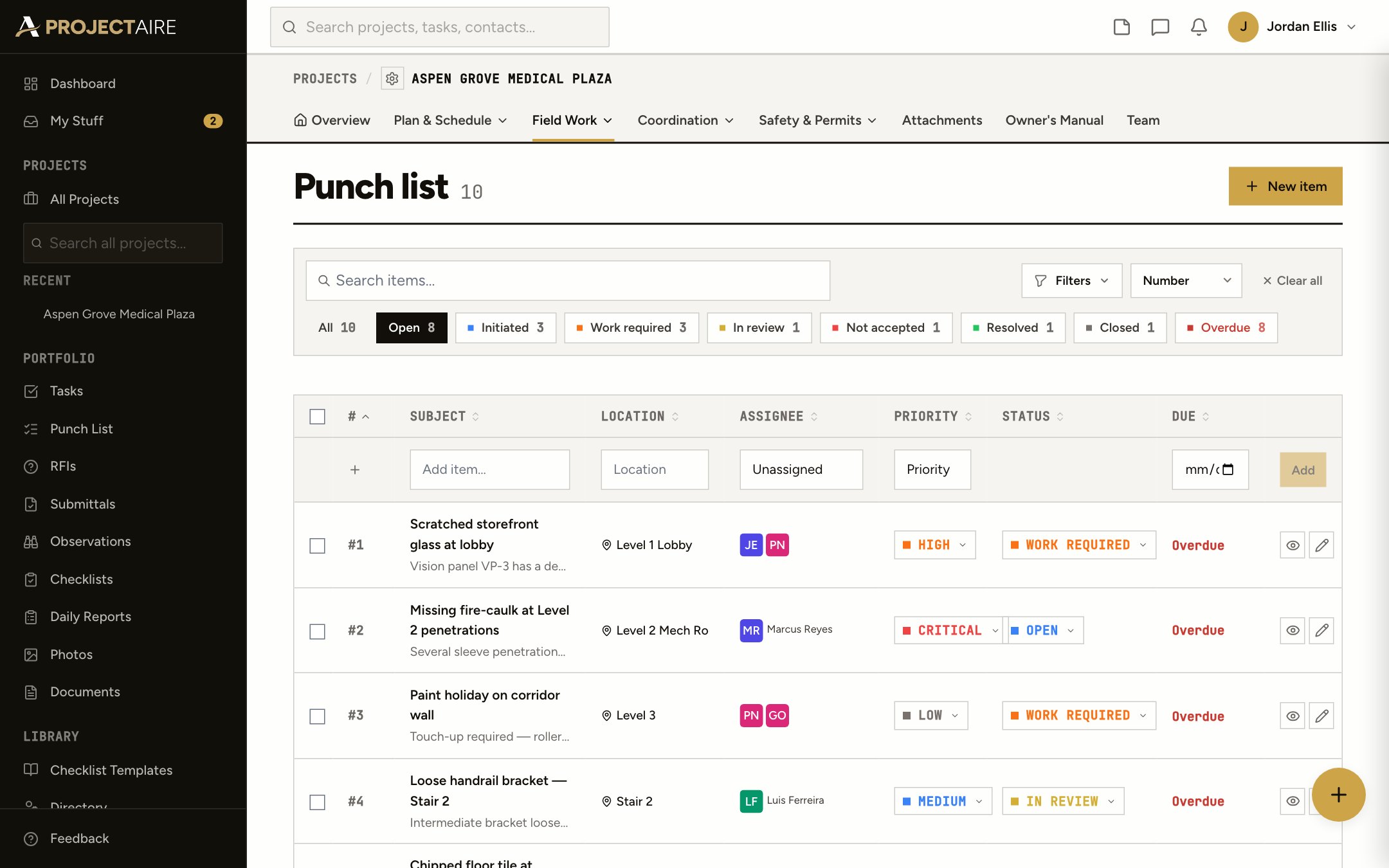
Punch List
Items by location, with photos, from Work required to Closed.
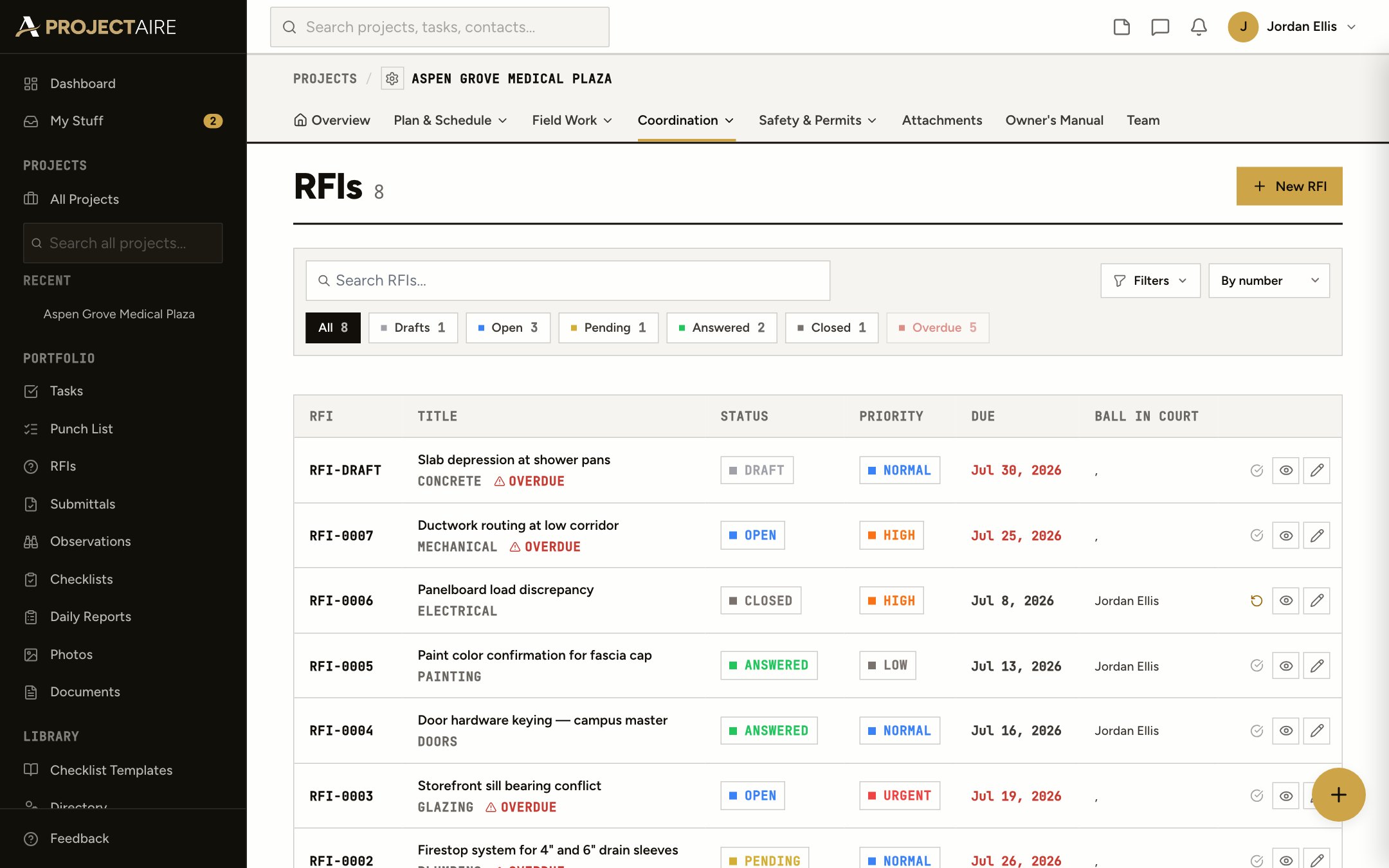
RFIs
Ask, route, answer — on the record.
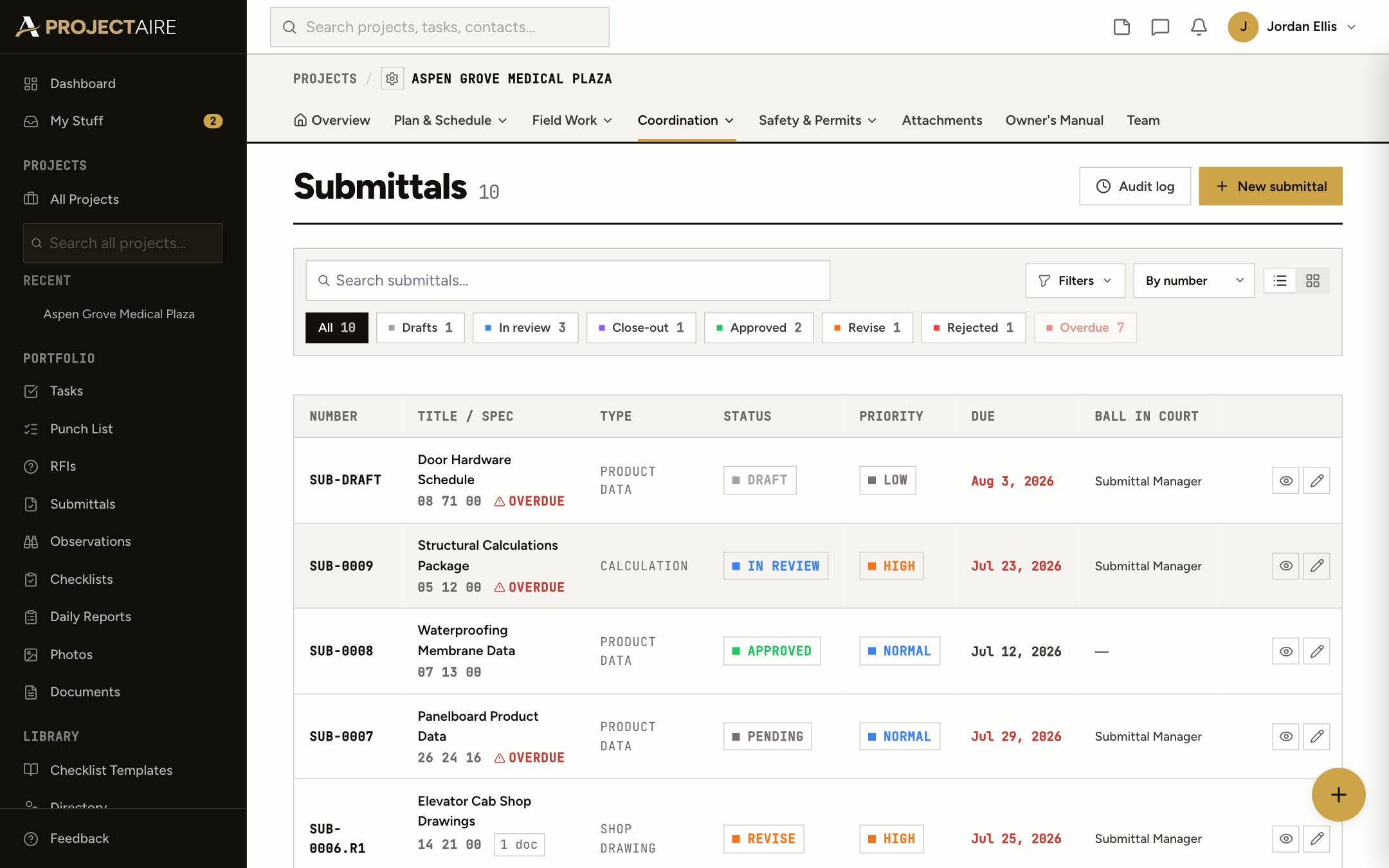
Submittals
Ball in court, never in doubt.
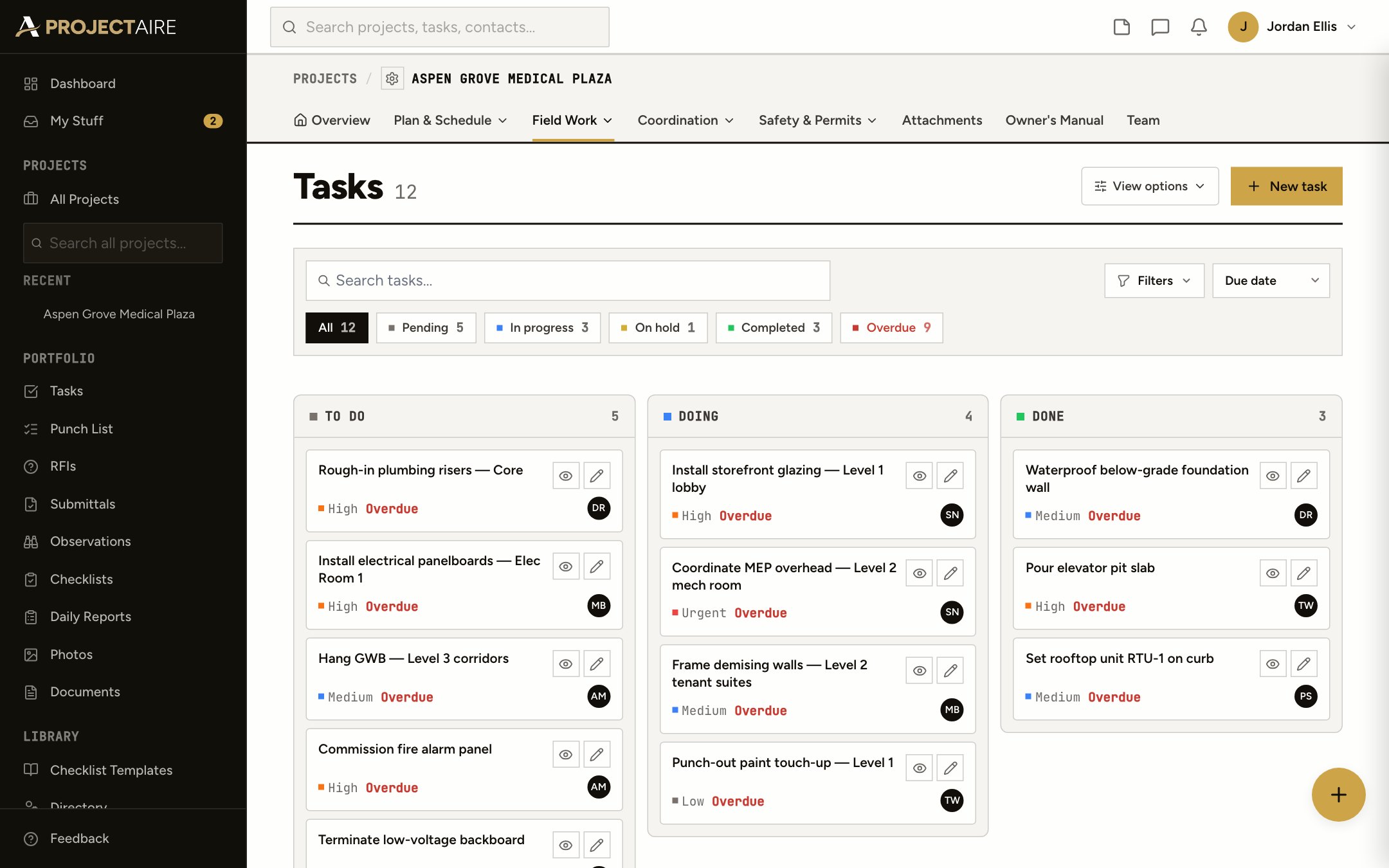
Tasks
Assignable, with subtasks and dependencies.
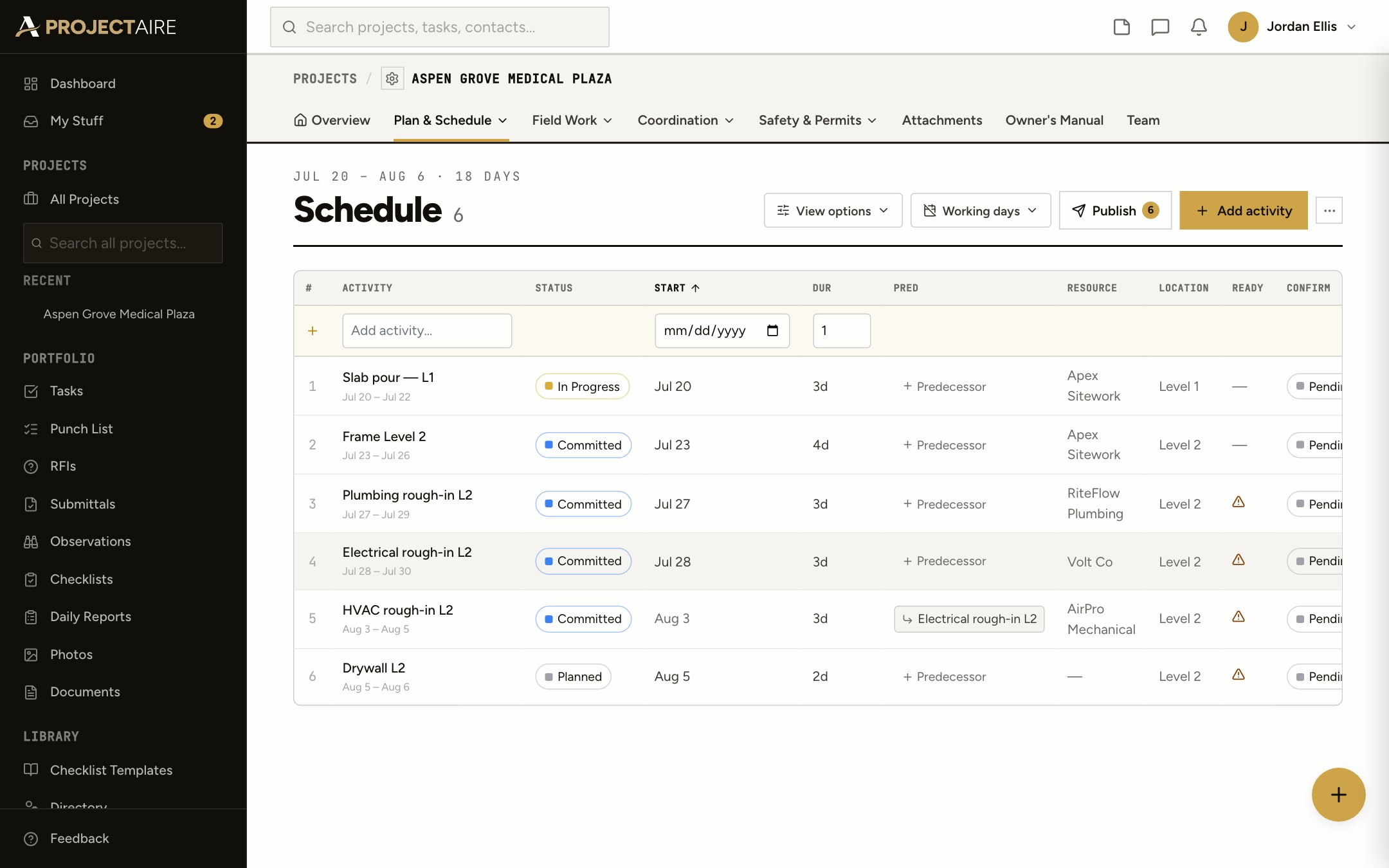
Schedule
A three-week look-ahead beside the work.
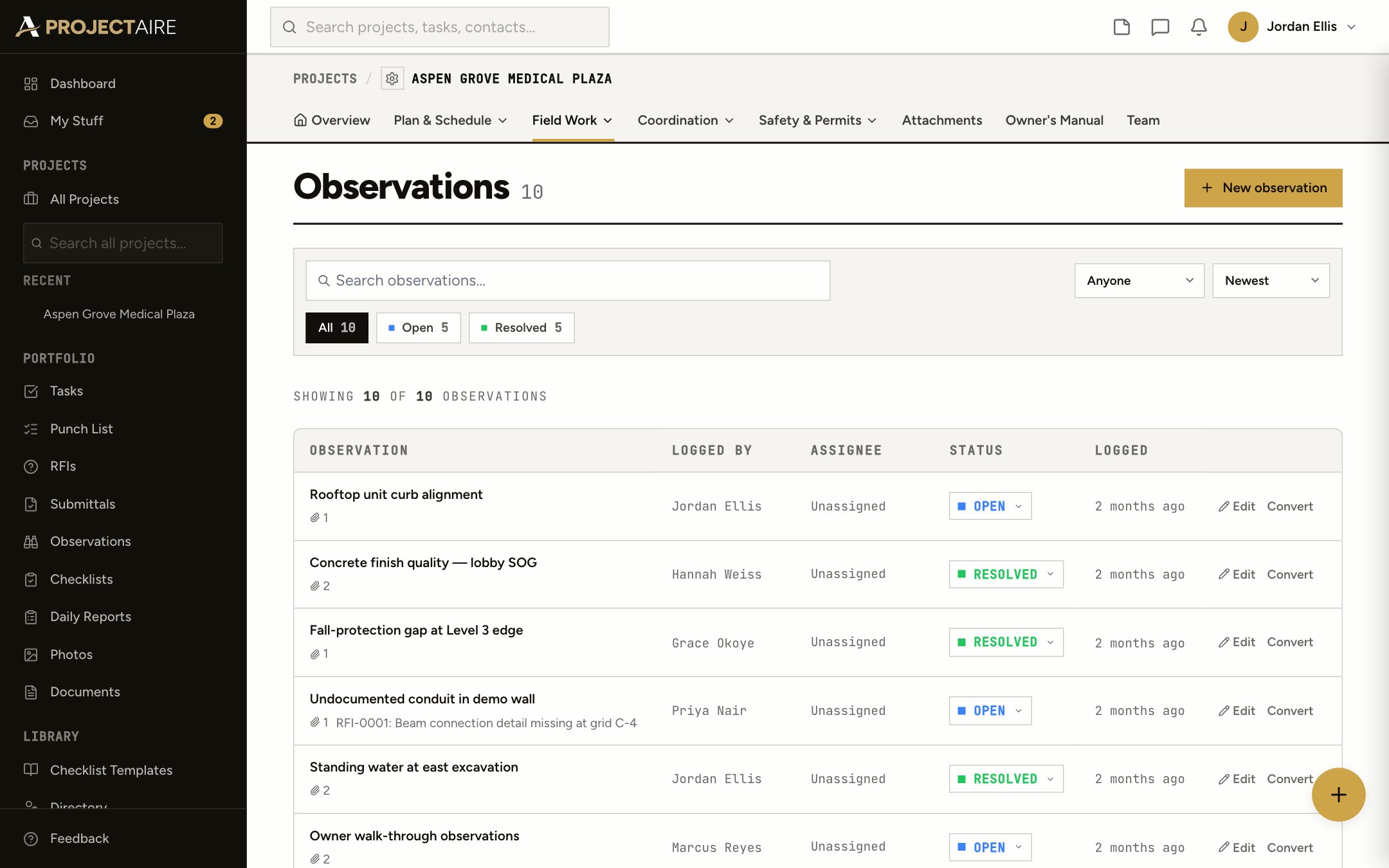
Observations
Point it out. Then own it, or escalate it.
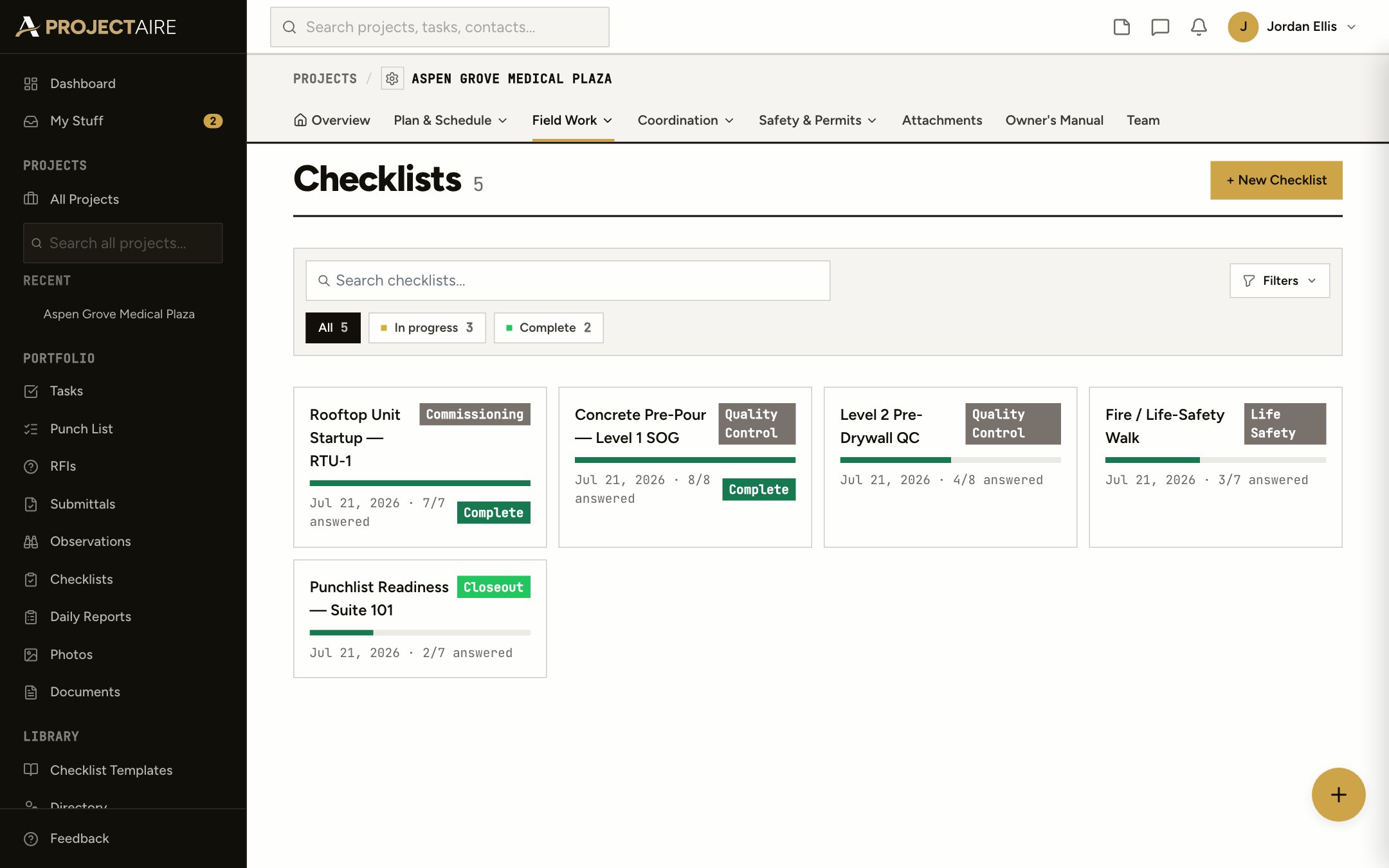
Checklists
Field QC from reusable templates.
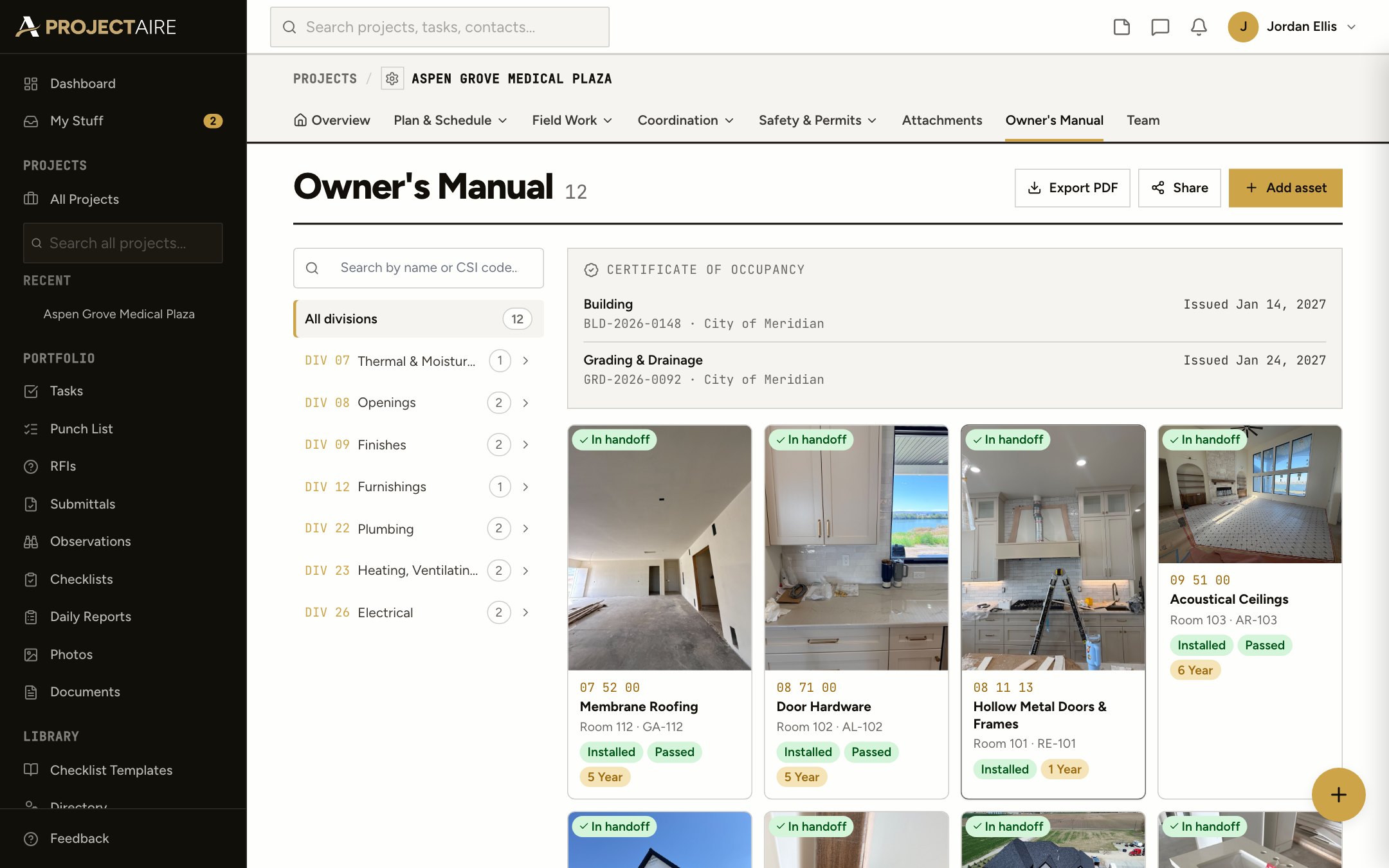
Owner's Manual
The closeout binder that builds itself.