

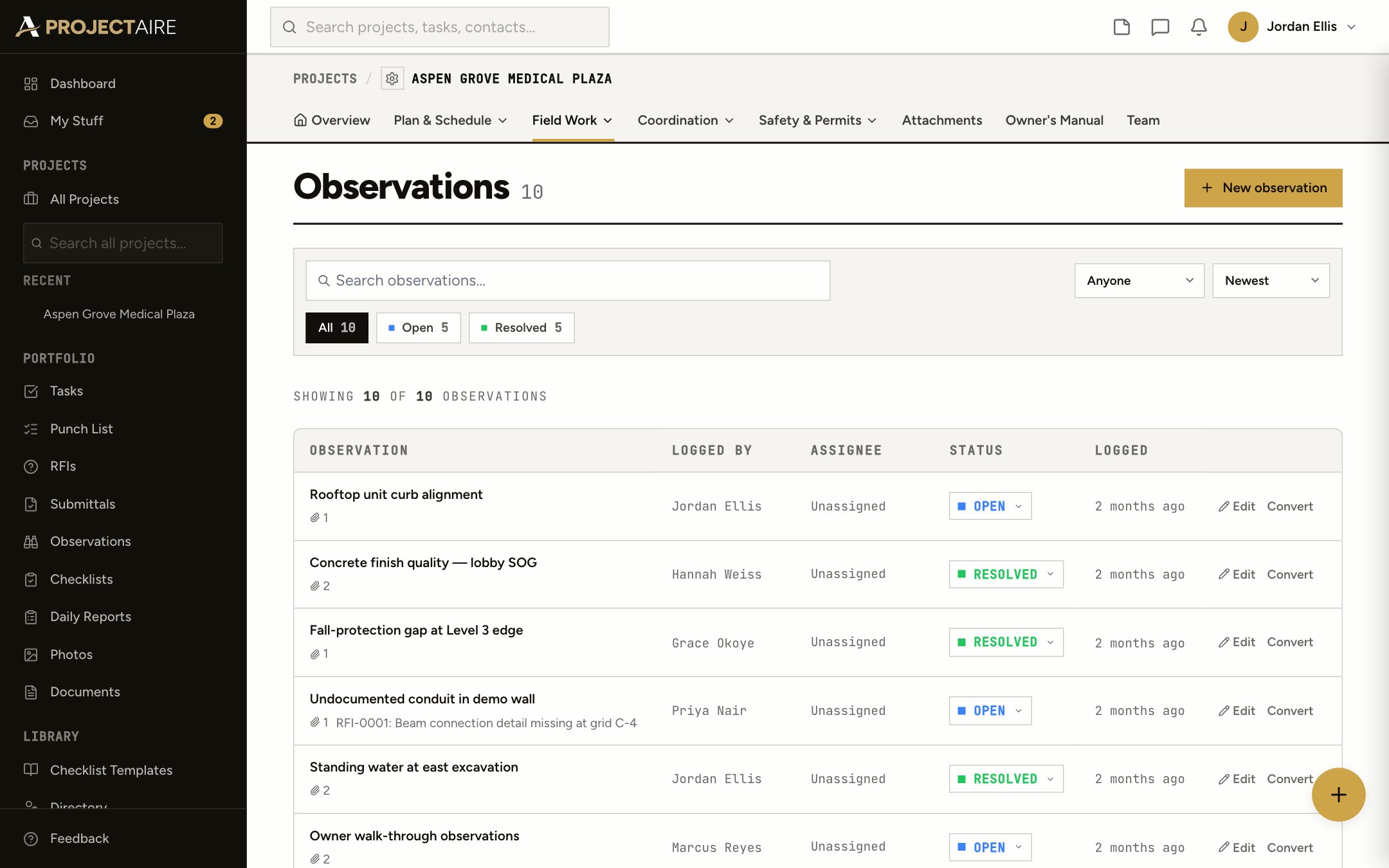
Observations. Point it out. Then own it, or escalate it.
A photo and a sentence from the field becomes an observation: assigned and resolved, or turned into a task, punch item, RFI or safety report.
Step 1 of 6
Open or resolved
Everything the crew flagged, with who it is assigned to and its status.
Click the highlighted area, press →, or hit Next. 6 steps, about a minute.
More walkthroughs
The rest of the job.
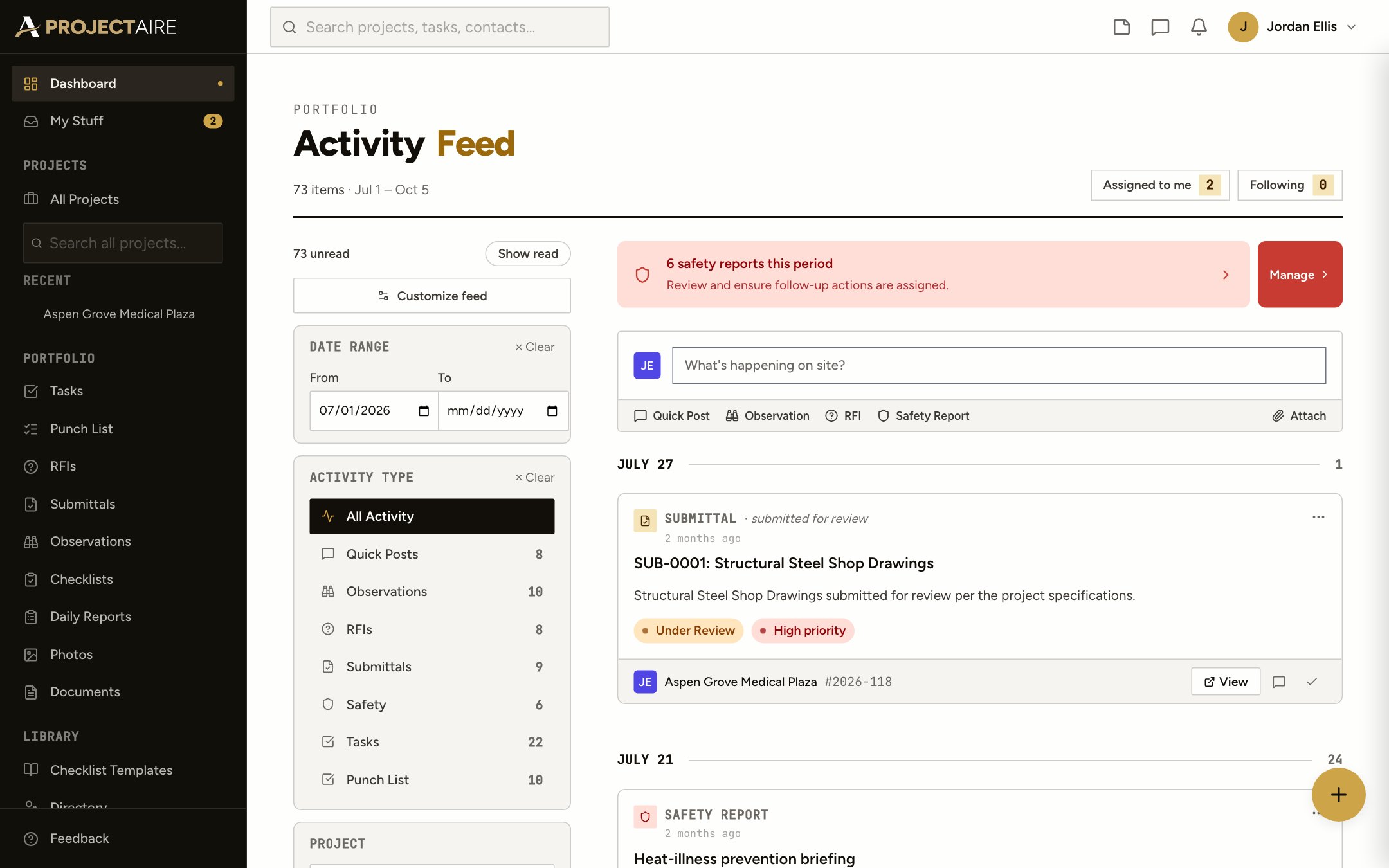
Activity Feed
Everything that changed, in one inbox.
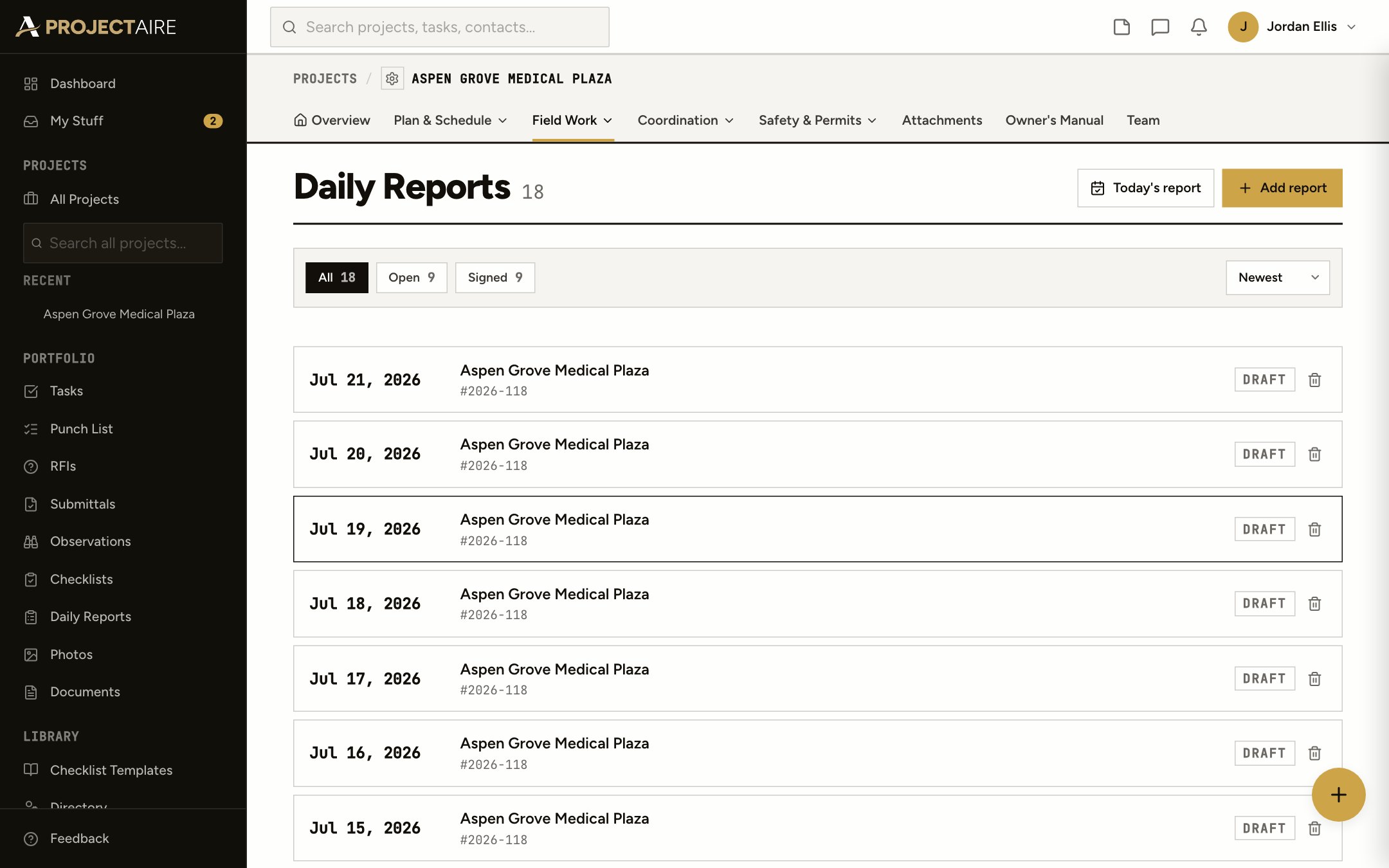
Daily Reports
The day, signed and locked.
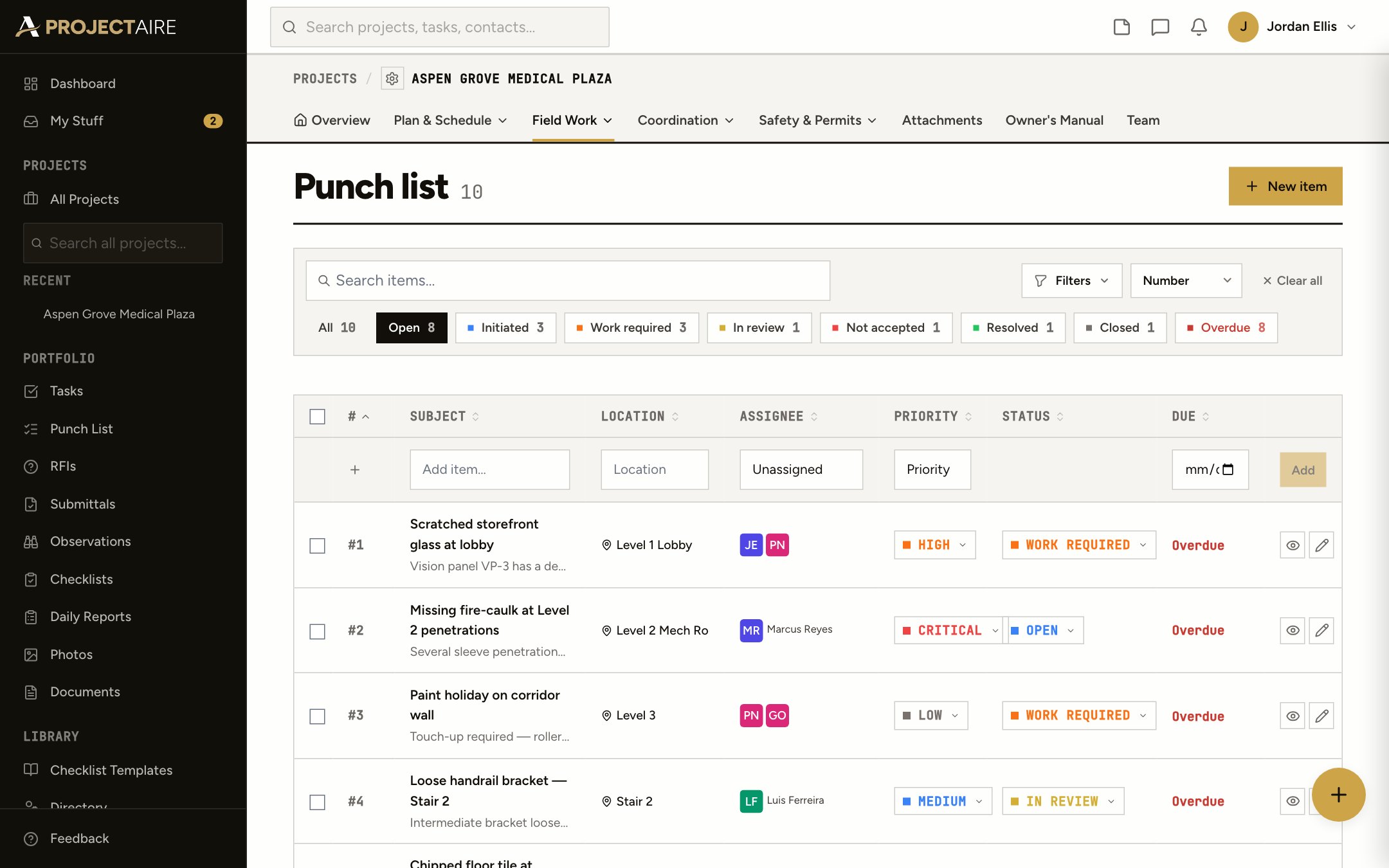
Punch List
Items by location, with photos, from Work required to Closed.
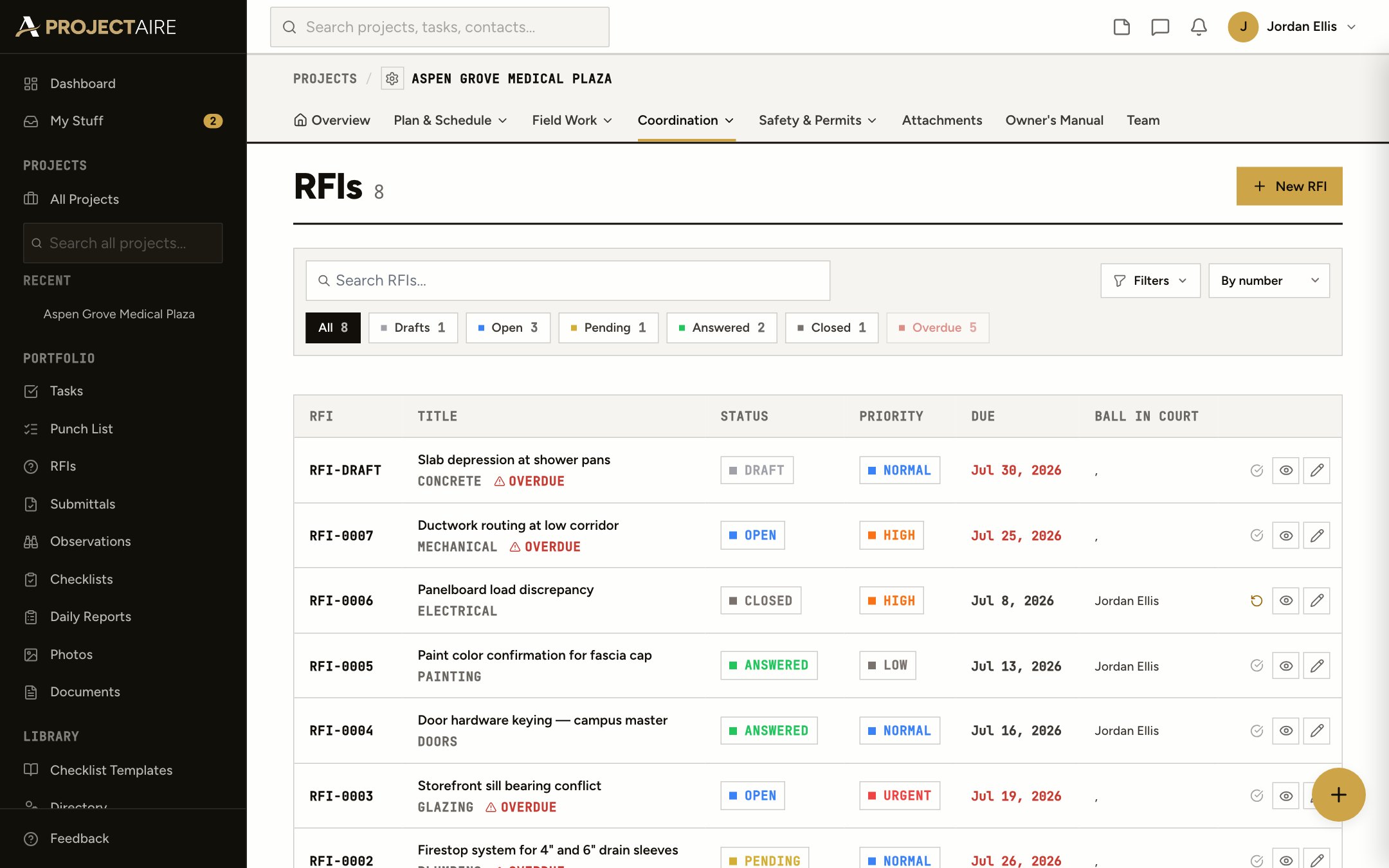
RFIs
Ask, route, answer — on the record.
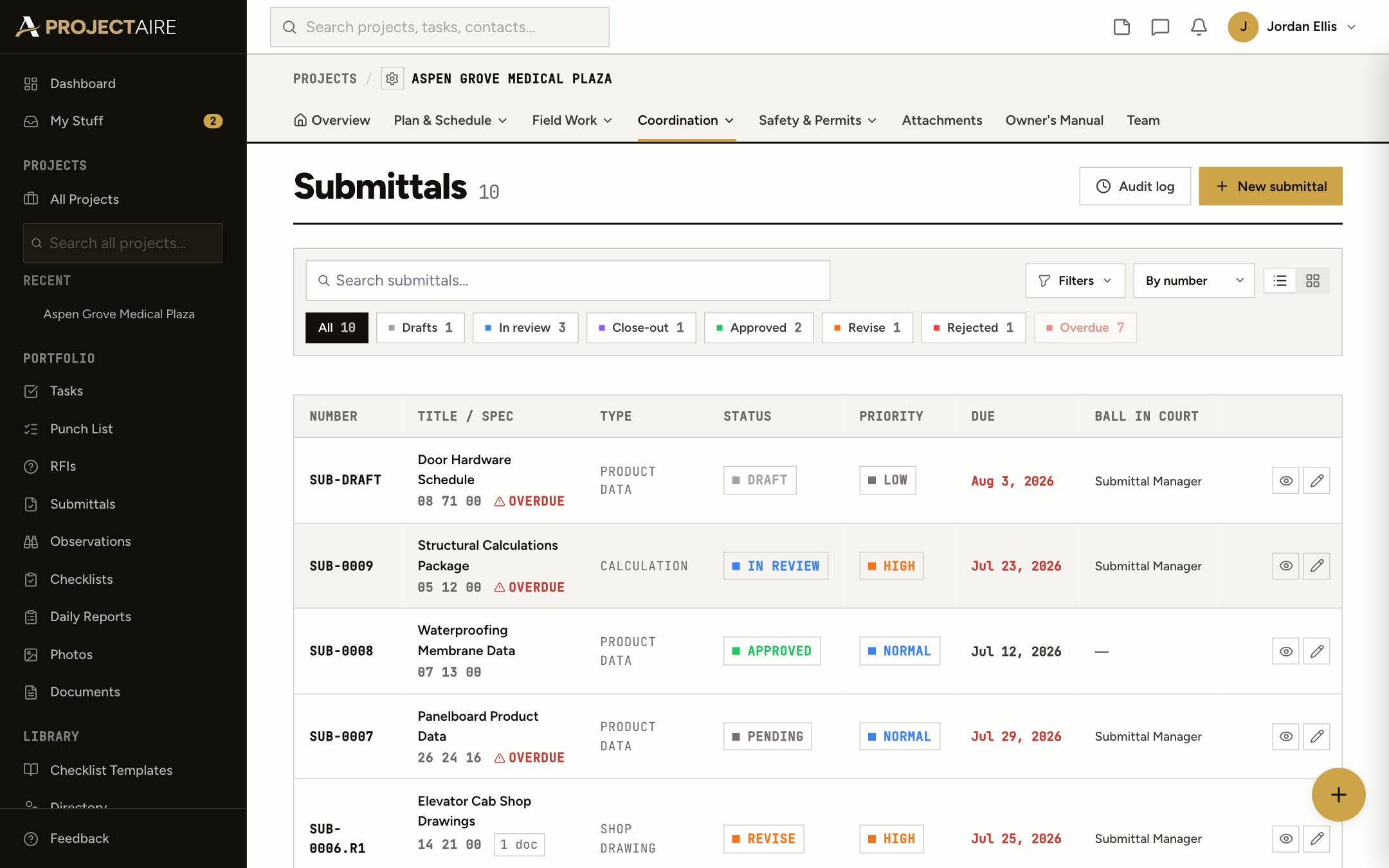
Submittals
Ball in court, never in doubt.
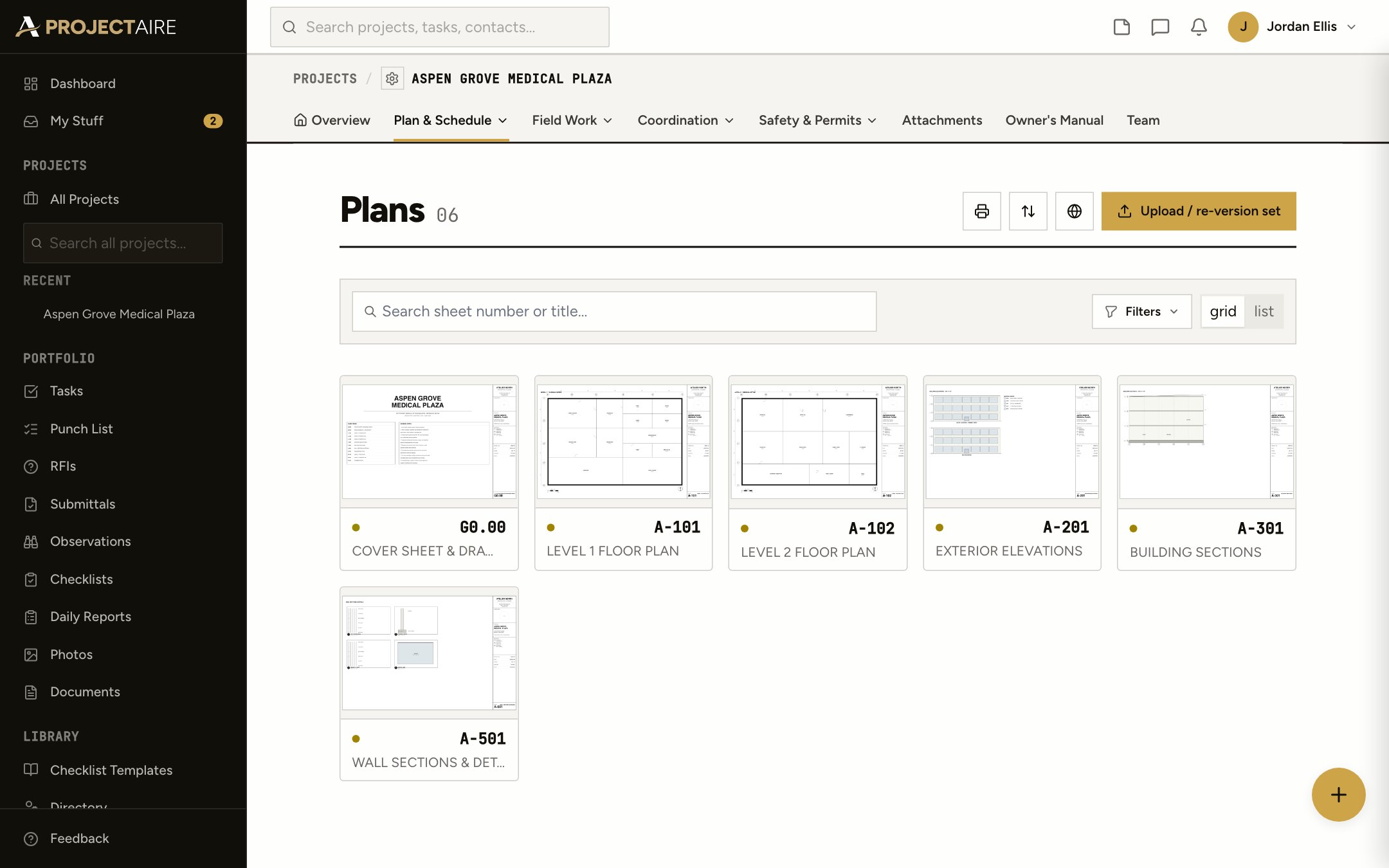
Plans & Specs
A planroom in the browser.
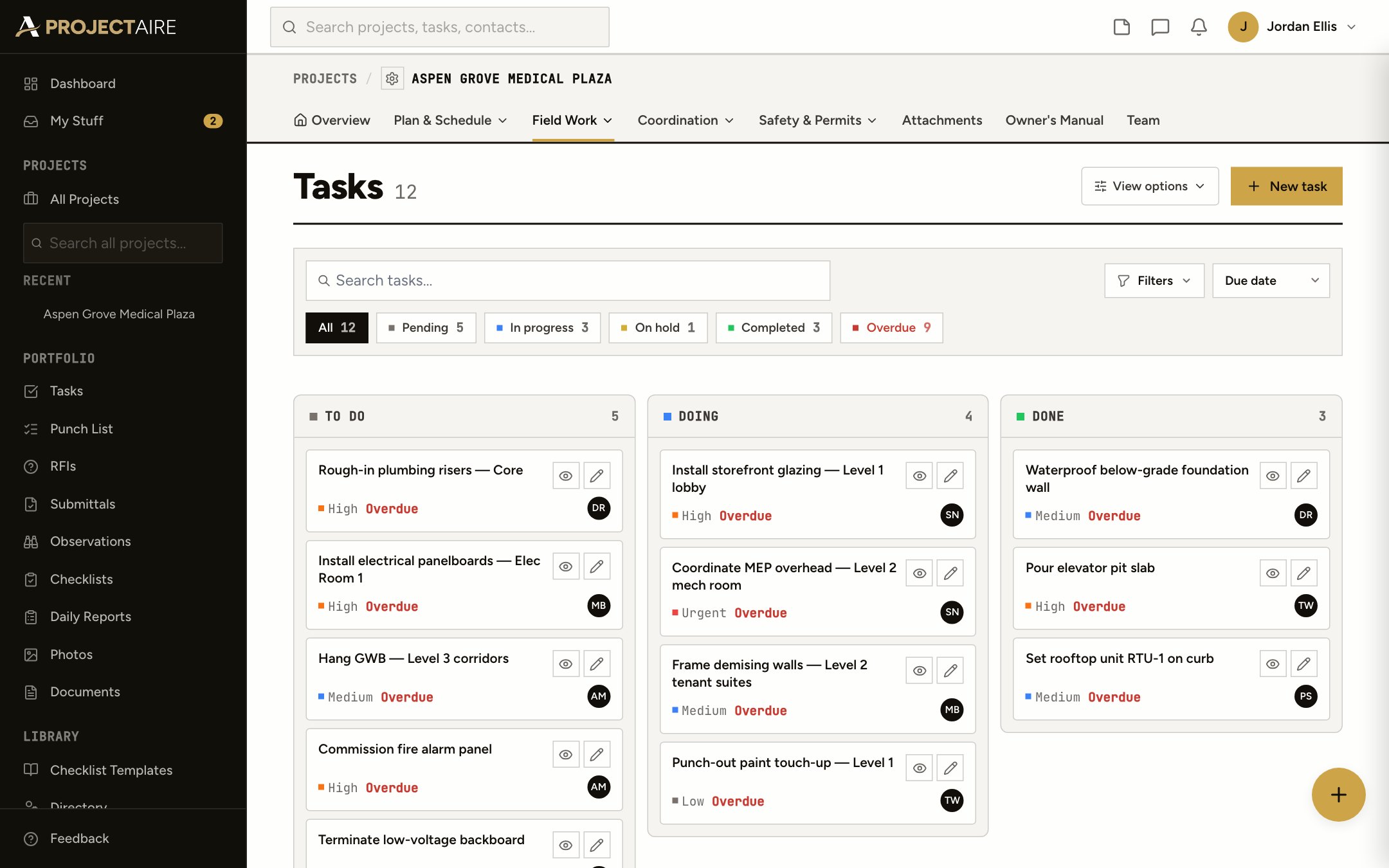
Tasks
Assignable, with subtasks and dependencies.
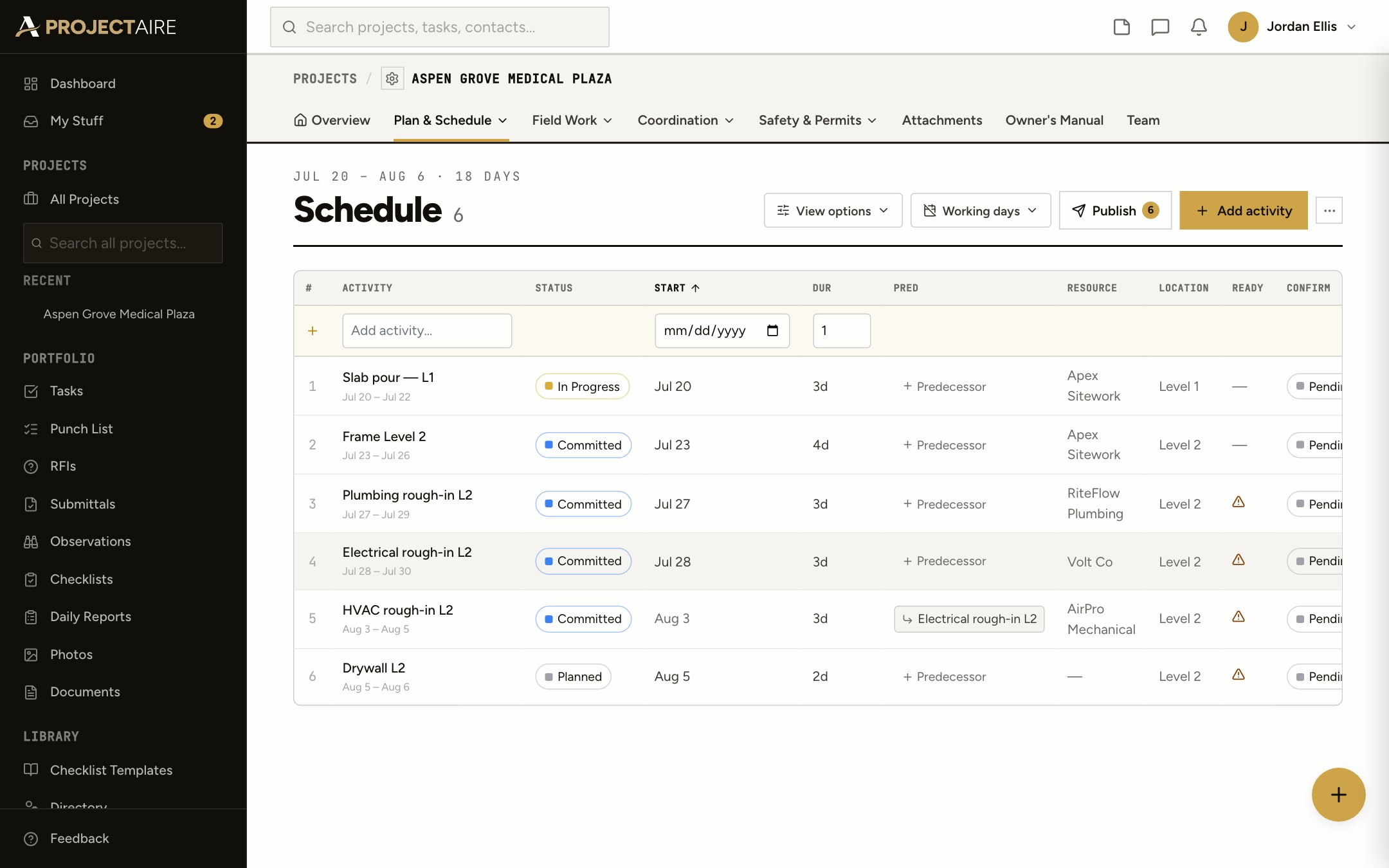
Schedule
A three-week look-ahead beside the work.
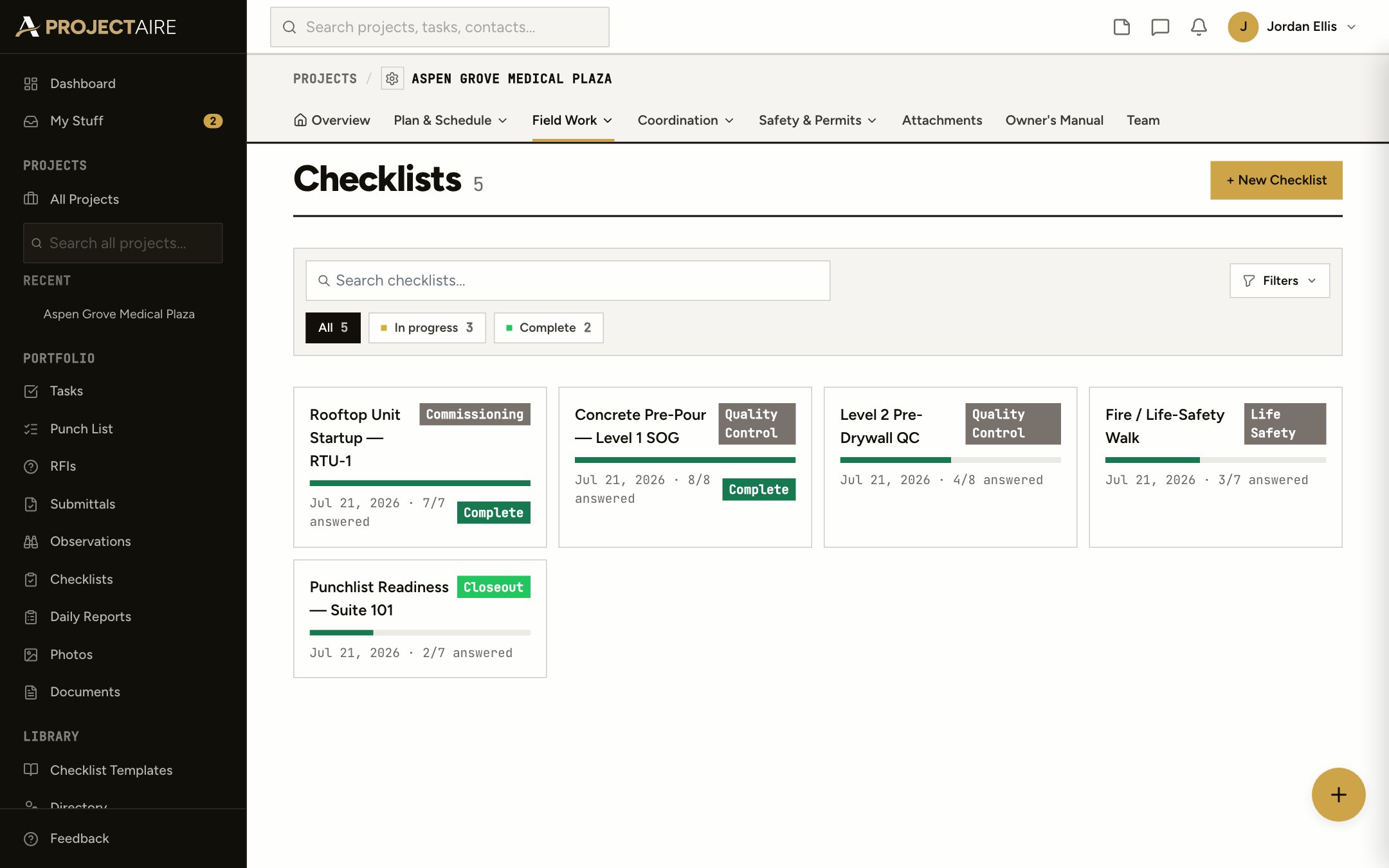
Checklists
Field QC from reusable templates.
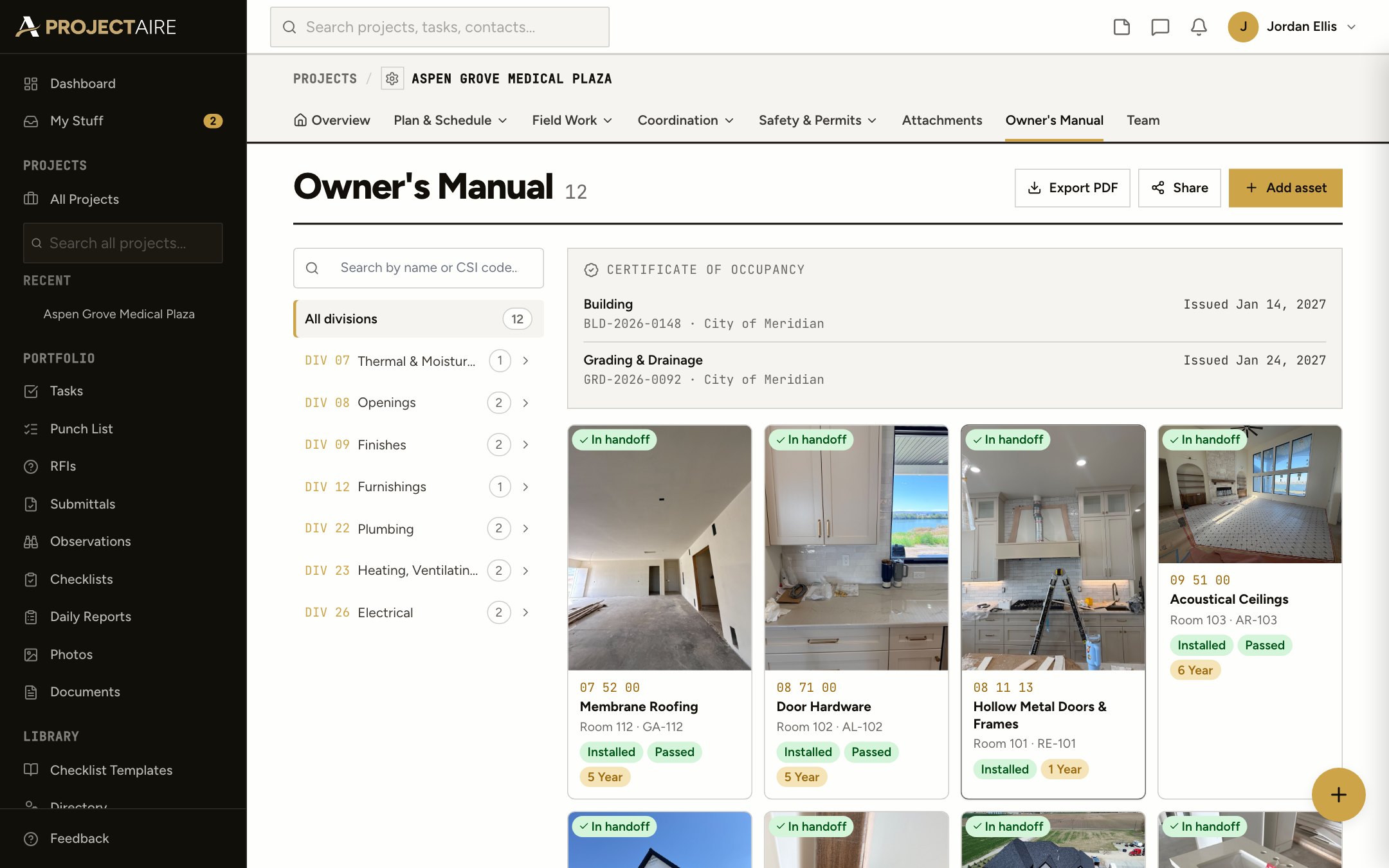
Owner's Manual
The closeout binder that builds itself.