

The group text
Somebody said they’d handle it. Three days later nobody remembers who, and the thread has moved on to lunch.
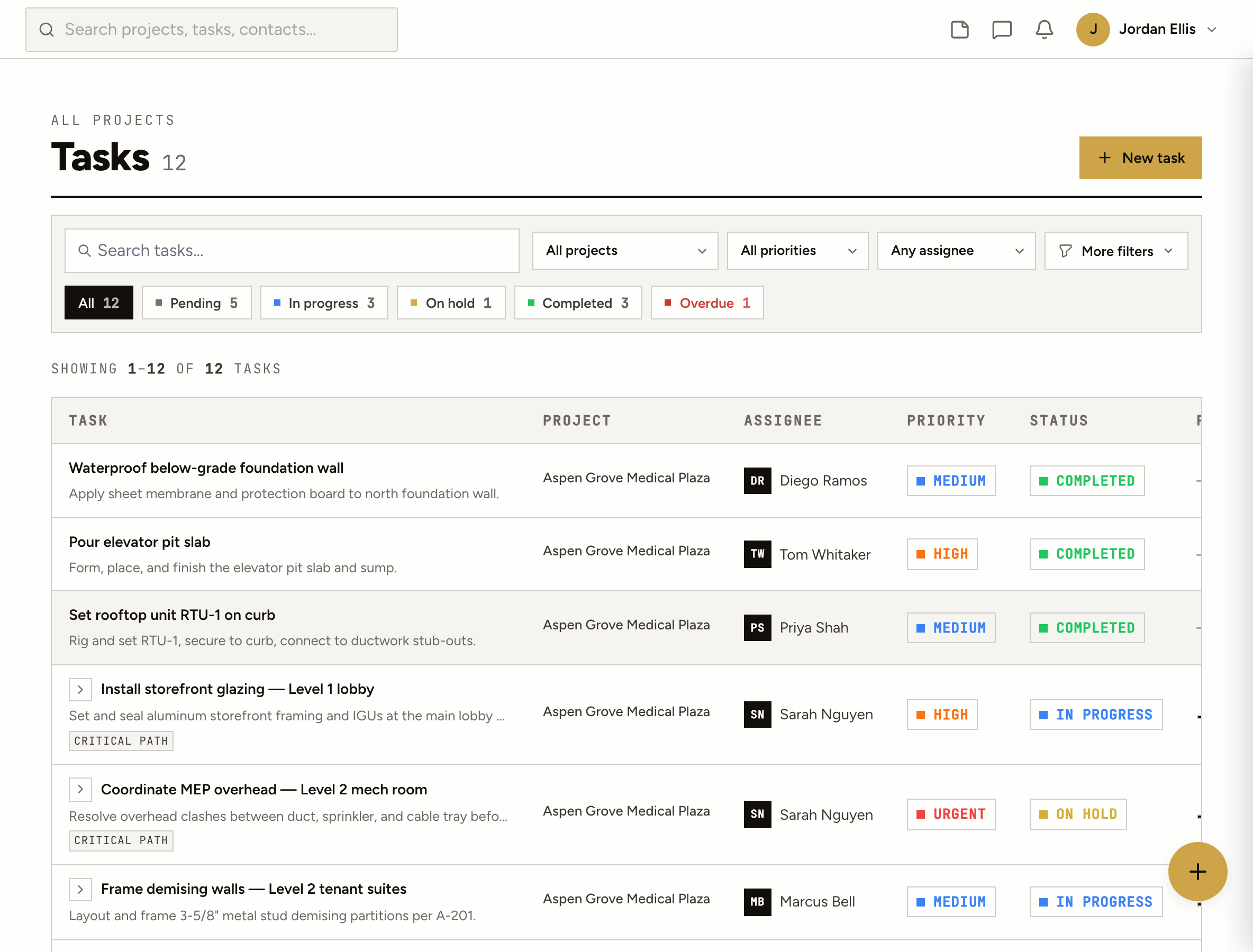
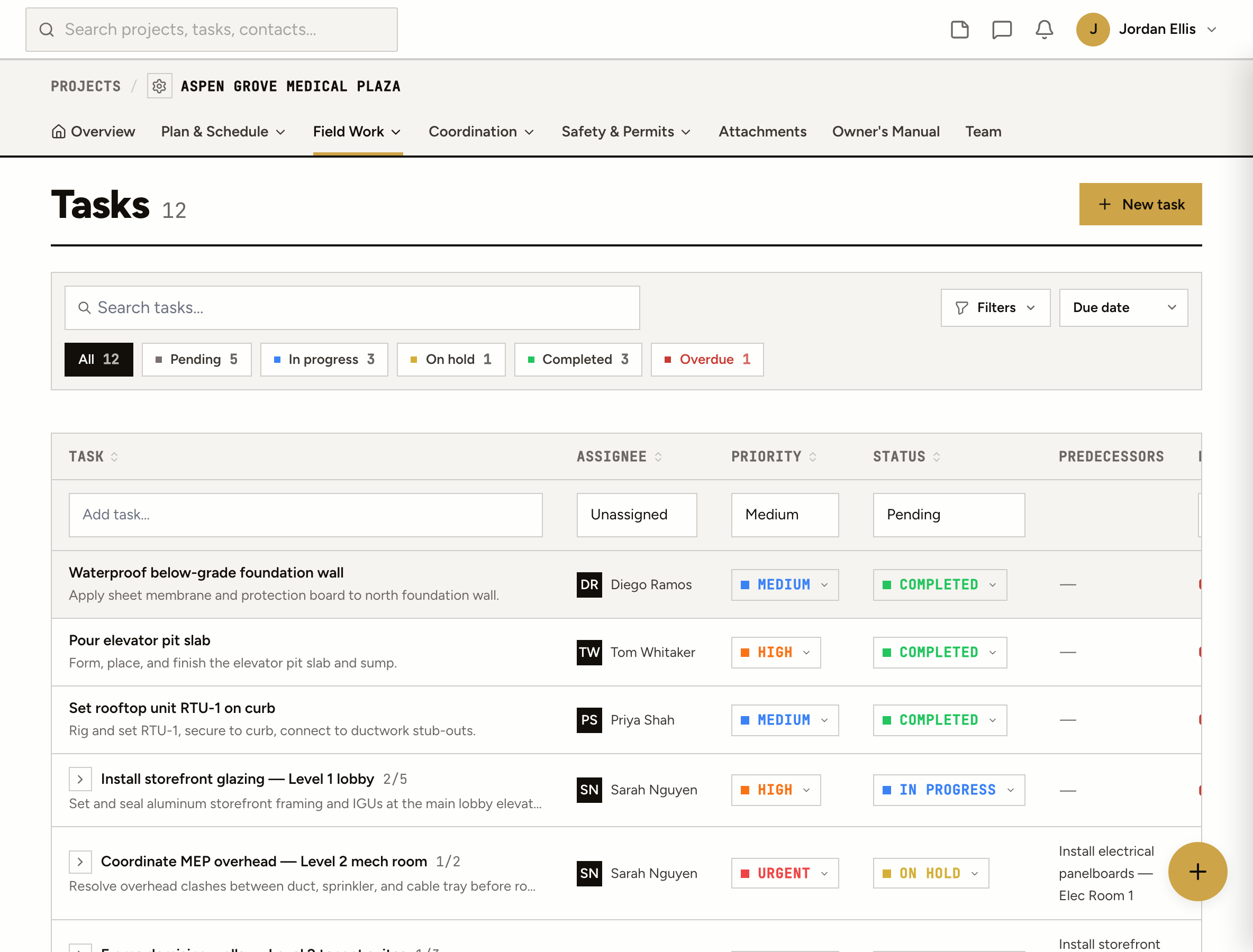
Tasks on every job and for the office, with an owner, a due date and a checklist. My Day, repeating tasks and reminders. Your crew and subs see what’s theirs on their phones.
Somebody said they’d handle it. Three days later nobody remembers who, and the thread has moved on to lunch.
It’s right, for the people standing in front of it. Everyone else on the job finds out late.
Boards and cards built for a marketing team. Your subs won’t log into it, and the job isn’t in it.
How it works
Add a task from your phone on site or from the office: who it’s for, a due date, a priority and a checklist. It sits on the job, or on the office’s own list.
Assignees are notified when a task lands on them and every time it moves. Comments and @mentions stay on the task.
My Tasks shows what’s yours across every job: overdue, today, this week. Star what you’re doing today and My Day starts fresh each morning.
Finishing a repeating task makes the next one, with the same people and a fresh checklist. Late work reads as late, on the task and in the list.
On site
Open the job, tap New task, pick who it’s for. Status and priority are one tap. Nothing to install and nobody to train.
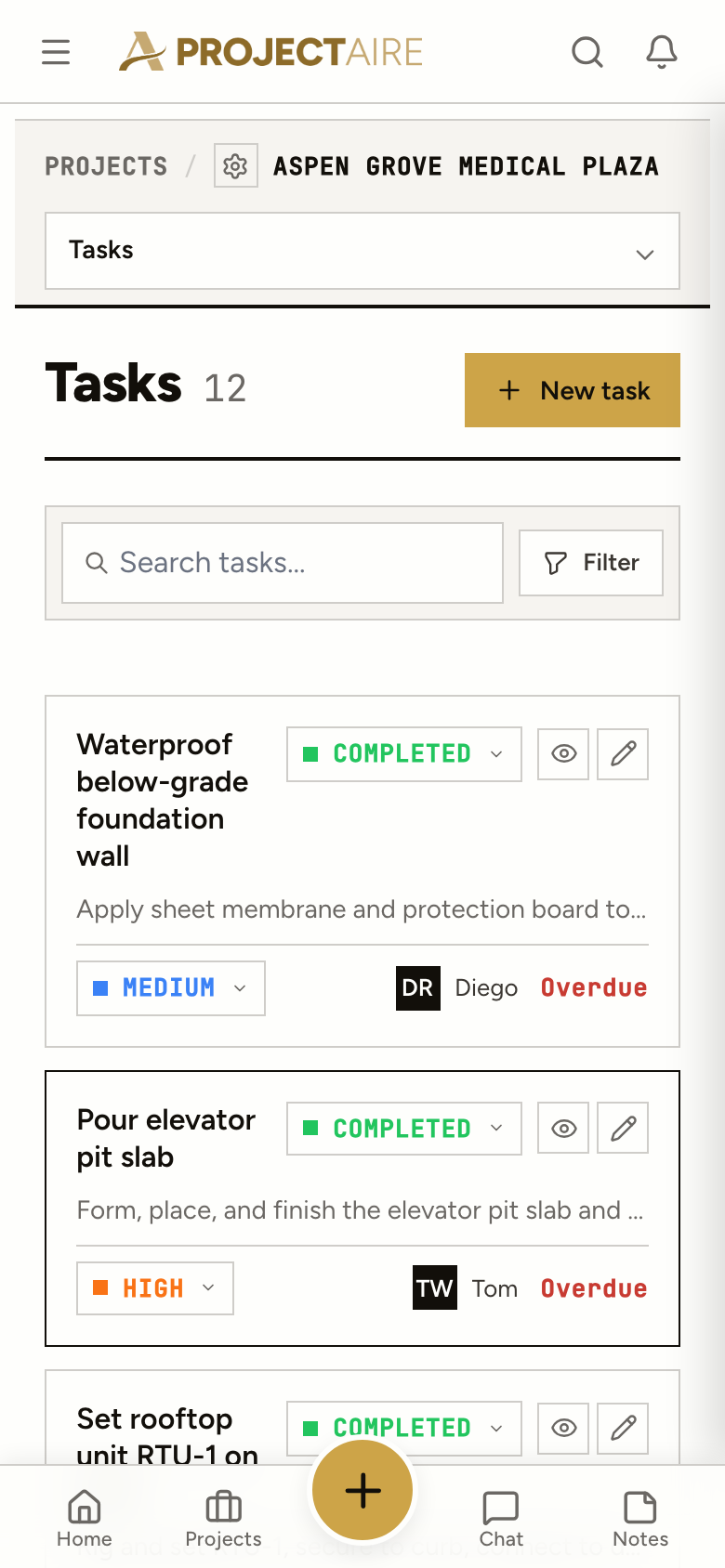
Grouped by job across the portfolio, with status tabs and counts, and a quick-add row at the bottom.
Columns by status. Drag a card when the work moves.
Every dated task by day. Drag to reschedule; undated work waits in its own column.
Each person by week, so the busy weeks show before they happen.
Every job, the same start
Save the closeout list once, with its checklists and subtasks, and drop it on the next job from a start date. The project manager and superintendent fill in from the job.
Yes. Internal tasks are the office’s own list: estimating follow-ups, truck registrations, the safety meeting. They never show up on a project.
Yes. Daily, weekdays, weekly on picked days, monthly (a date or the last business day), yearly, or a number of days after the last one is done, ending never, on a date or after a number of times.
Yes. Save tasks as a job template with their checklists and subtasks, or start from Project Closeout, Warranty or Residential New Home. Apply it from a start date and the PM and superintendent fill in from the project.
Yes. Profile → Calendar feed gives you a private link for Outlook, Google or Apple Calendar with your dated tasks.
Yes. Tick them (Shift-click for a range) and change the status, priority, owner or job, push the dates out, or complete them, with Undo for ten seconds.
Yes. Import a CSV and check the preview before anything is created. Export the list any time.