

The old set on the tailgate
The framer built from Rev 2. Rev 3 came out last week, in an email the framer never got.
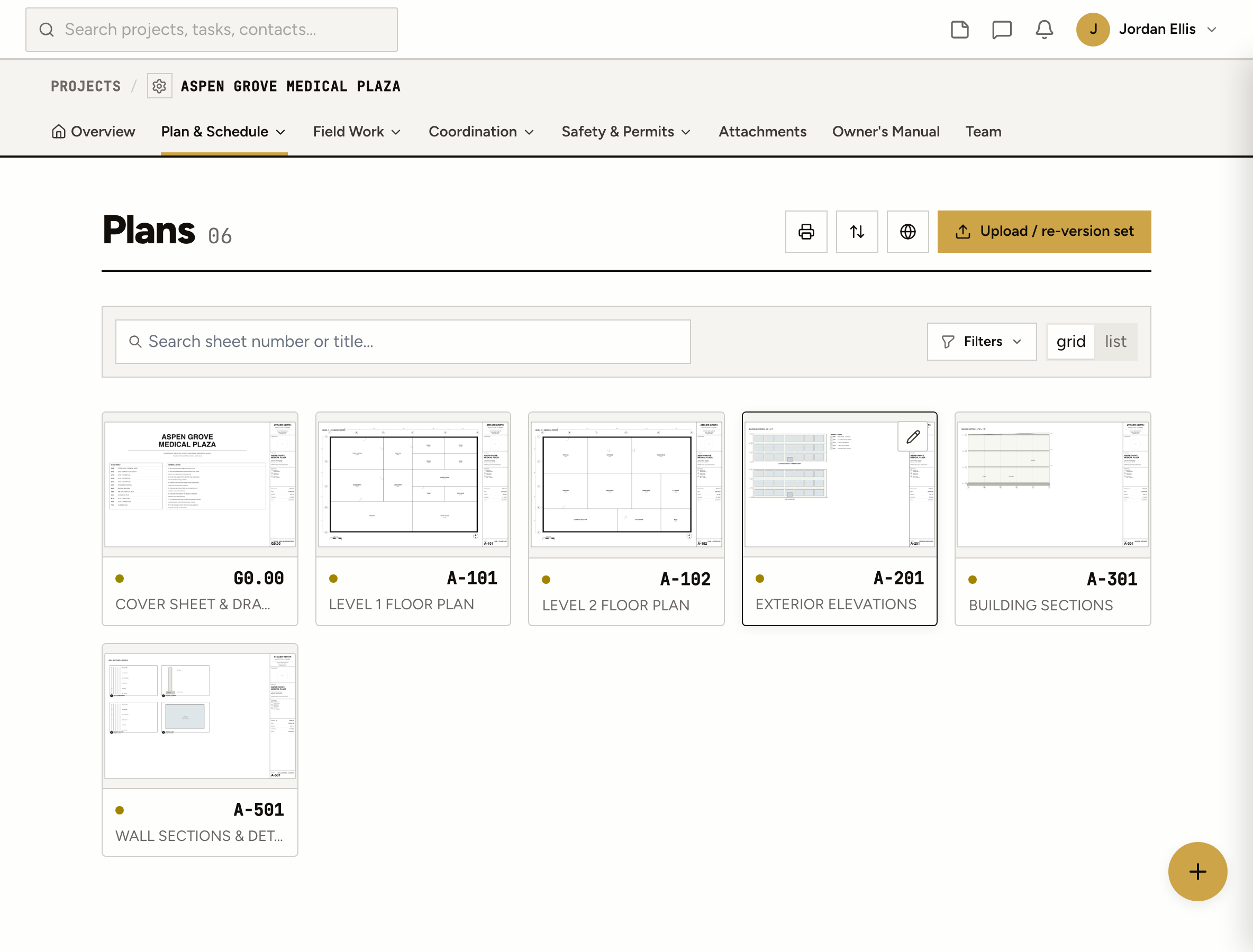
Upload the PDF and it’s split into numbered sheets. Revisions stack up behind the current one, markups turn into tasks and punch items, and the owner gets a link without a login.
The framer built from Rev 2. Rev 3 came out last week, in an email the framer never got.
Scrolling a phone through one giant file to find A-201, then pinching around a sheet you can’t read.
The super circled the problem on a printout, took a photo and texted it. Now the photo is the record.
How it works
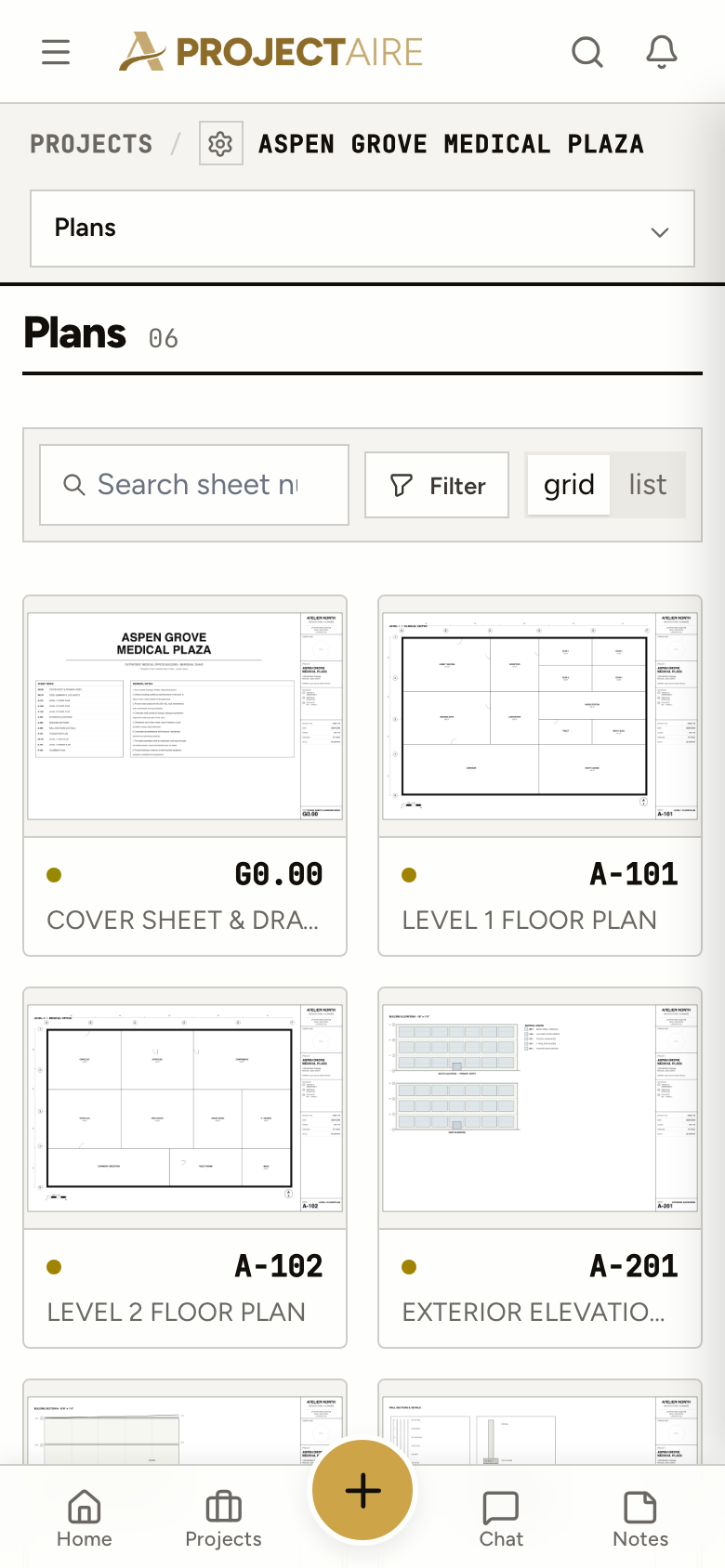
Drop in the PDF. ProjectAire splits it into sheets and reads each sheet number and title from the title block’s text.
A review screen shows what it read for each page. Fix anything it got wrong, and mark a page as a new sheet or a revision of one you already have.
Every sheet keeps its history and one version is current. Upload a single revised sheet without re-sending the whole set.
Cloud it, circle it, add a note or drop a punch pin. Any markup can become a task or a punch item, linked back to the spot on the sheet.
Rectangles, circles, clouds, arrows, lines, freehand, text, notes, stamps and highlights, with a comment thread on each one.
Personal or shared, so the crew can jump straight to the detail that matters this week.
Search the sheet’s text, then print or download it with or without your markups. Print a whole filtered set as one PDF.
Send the owner or a sub a link to one sheet or the whole set. Allow download or not, set an expiry, revoke it, see how often it was opened.
In the field
Search for the sheet number, open it, mark it up. Comments on a markup show up live for everyone looking at the same sheet.
Specs
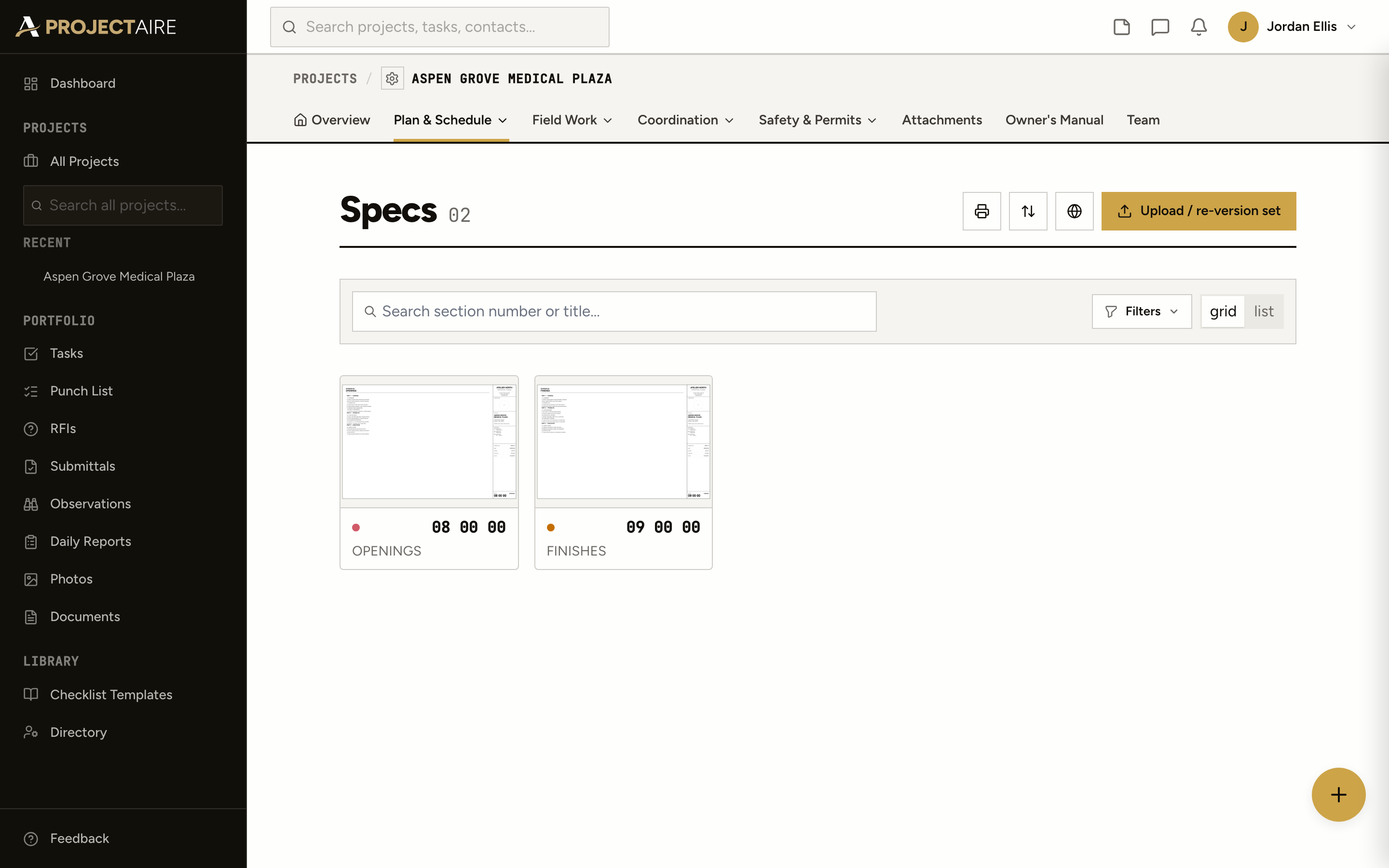
Upload the specs as a PDF under the same project. They open in the same viewer and search the same way, so the answer to “what does the spec say” is one tab away.
Yes. Upload the PDF and it’s split into one sheet per page, with the sheet number and title read from each title block. You confirm them on a review screen before they go live.
Each sheet keeps every version, and the current one is what everyone sees. Upload a revised set or a single revised sheet; older versions stay in the sheet’s history.
Yes. A share link opens one sheet or a whole set in the browser, no login. You choose whether they can download, set an expiry, and revoke it any time. They see the clean sheet, not your team’s markups.
Yes. A markup can become a task or a punch item, or link to one that already exists. The item points back to the markup on the sheet.
Upload the spec book as a PDF under Specs. It opens in the same viewer, and you can search its text.
Yes. The viewer has a tool rail made for a phone, so you can read, search and mark up a sheet in the field.