

The end-of-day form
A Word template filled in from memory at 6 p.m. Half of it says “same as yesterday”, and the weather line is a guess.
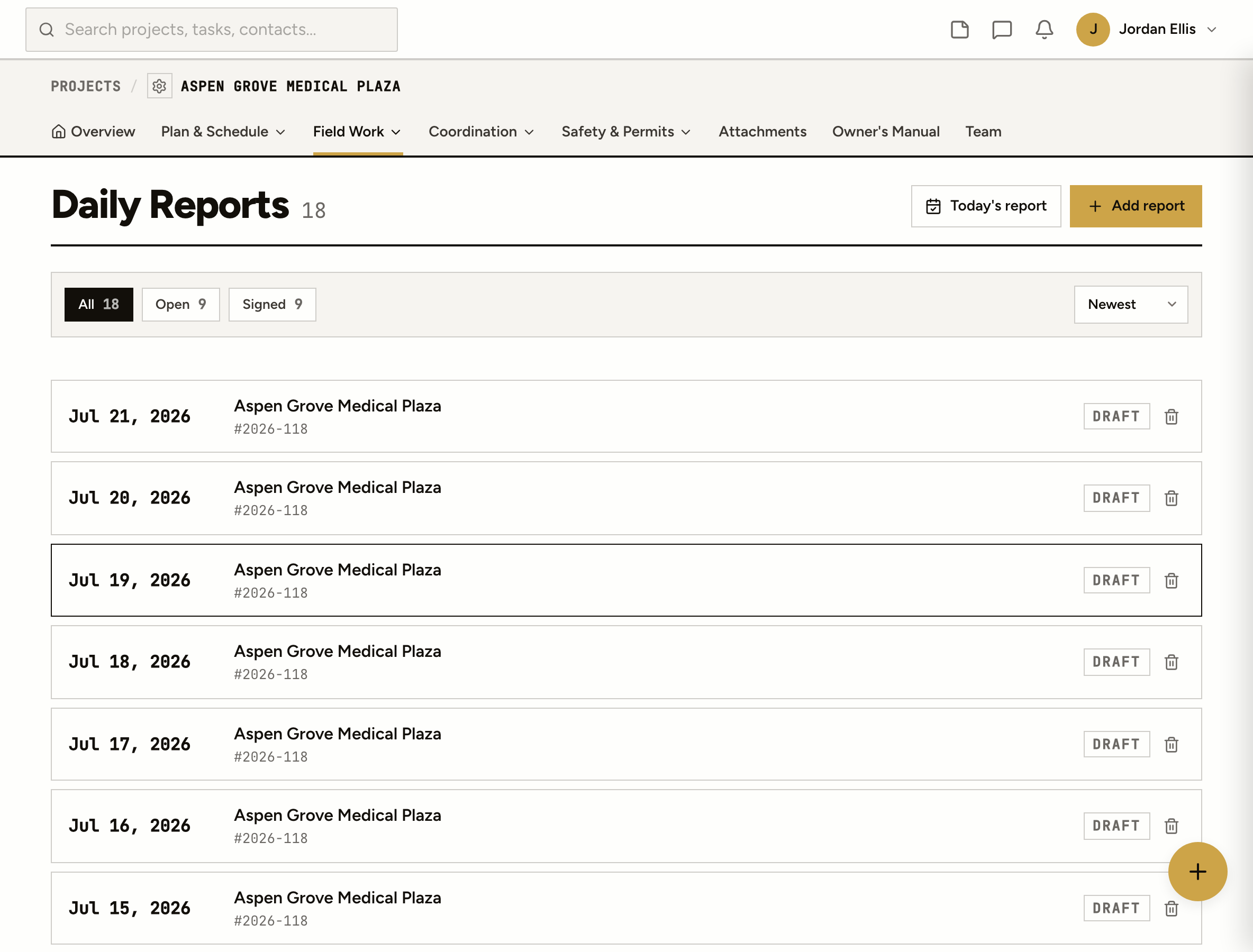
Weather fills itself in. Log the work, the crews, the deliveries and the photos from your phone, pull in what the team already logged today, then sign it into a PDF nobody can quietly edit.
A Word template filled in from memory at 6 p.m. Half of it says “same as yesterday”, and the weather line is a guess.
Taken all day, sent to nobody. When the claim comes eighteen months later, you scroll a phone looking for the date.
A report that can be changed any time isn’t much of a record. Everyone knows it, including the other side’s lawyer.
How it works
Every job gets one report a day. Open it from your phone on the deck or from the trailer at the end of the shift.
Morning, midday and afternoon conditions come in on their own from the job’s location, with a line for what the crew actually saw on site.
Work performed, each crew on site with its workers and hours, deliveries, safety and quality observations, issues, and the project’s own daily questions. Photos go on the crew or the delivery they belong to.
The day’s tasks, punch items, RFIs, submittals and posts are pulled in for you to keep or untick. Sign the report and it locks into a PDF with the photos in it. Only an admin or PM can unlock it.
On the deck
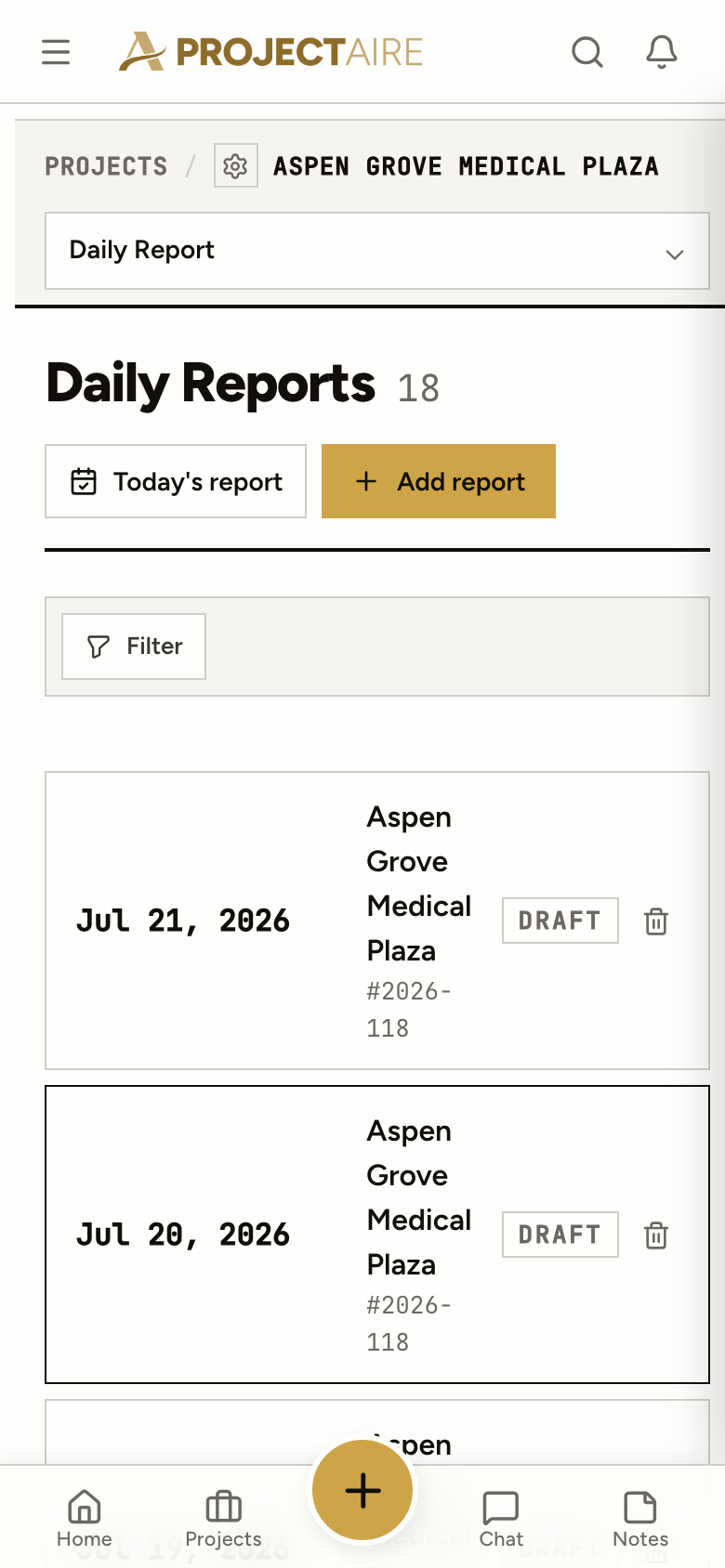
Open today’s report on the job, take the photos, write what happened while it’s fresh. Nothing to install from an app store.
Company, crew, number of workers, hours and what they did, with photos. Manpower by company, every day.
Who delivered what, with notes and a photo of the ticket or the load.
Safety observations, quality control notes and issues and concerns, each in its own section.
Set a daily survey per project, the questions your company asks every day, and it’s on every report.
The record
A year of signed, dated reports with photos is what you reach for in a dispute, and part of what the owner gets at handover. Nobody has to put it together at the end.
Yes. ProjectAire looks up the weather for the job’s location and records morning, midday and afternoon conditions on the report. You add what the crew saw on site.
Not quietly. A signed report locks and becomes a PDF. An admin or PM can unlock it, and a signed report can’t be deleted.
Admins, PMs and the project’s superintendent. Daily reports are internal: clients and subs don’t see them.
No. The tasks, punch items, RFIs, submittals and posts from that day are pulled onto the report. Untick anything that doesn’t belong in the official record.
Yes. ProjectAire runs in your phone’s browser and installs to the home screen. Write the report and add photos from the job.
Yes. The all-projects list shows every report, newest first, and filters by signed and unsigned so you can see which days still need a signature.